
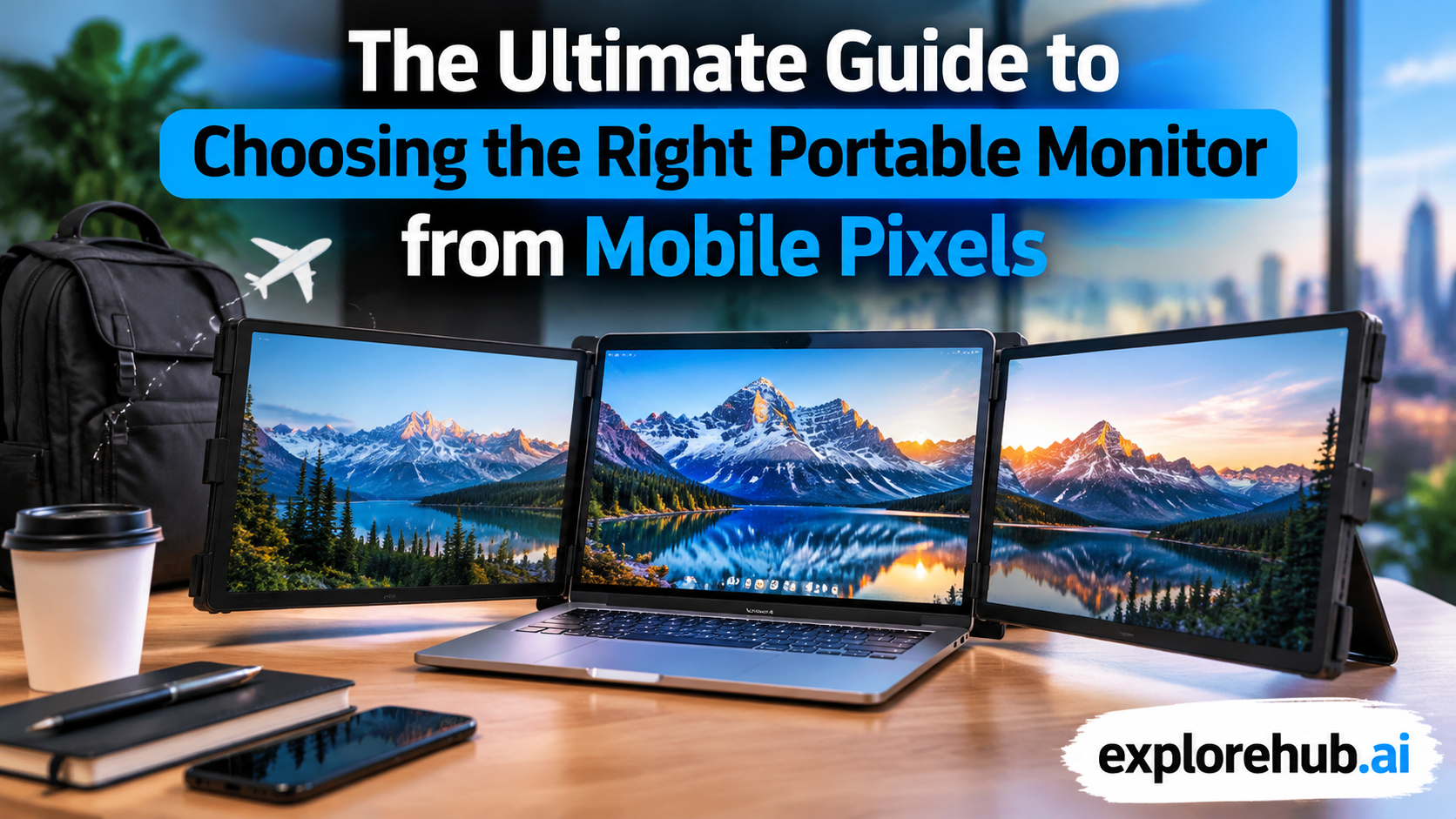
Modern work and entertainment habits are changing quickly. People are no longer limited to traditional office desks with large computer setups. Remote work, online learning, business travel, and digital content creation have increased the demand for flexible technology. A portable monitor has become one of the most useful accessories for people who want extra screen space without carrying heavy equipment.
Among the companies offering portable display solutions, Mobile Pixels has gained attention for creating compact monitors designed for laptops, tablets, and mobile workspaces. These monitors help users expand their screens while maintaining portability. Whether you are a professional working from different locations, a student managing multiple tasks, or a creator who needs more workspace, choosing the right portable monitor can improve your daily productivity.
Table of Contents
- Understanding Portable Monitors and Their Growing Popularity
- Introduction to Mobile Pixels Portable Monitors
- Exploring Mobile Pixels Monitor Features
- Different Types of Mobile Pixels Portable Monitors
- Key Factors to Consider Before Buying a Portable Monitor
- Performance Features That Matter
- Choosing the Right Mobile Pixels Monitor for Your Needs
- Why Choose Mobile Pixels Over Traditional Monitors?
- Mobile Pixels Portable Monitor for Remote Work
- Mobile Pixels Portable Monitor for Students
- Mobile Pixels for Content Creators and Designers
- Gaming Experience with Portable Monitors
- Pros and Cons of Mobile Pixels Portable Monitors
- How Portable Monitors Improve Productivity
- Maintenance Tips for Long-Term Use
- How to Set Up a Mobile Pixels Portable Monitor
- Future of Portable Monitor Technology
- Conclusion
- Frequently Asked Questions
Understanding Portable Monitors and Their Growing Popularity
A portable monitor is a lightweight external display that connects with devices such as laptops, smartphones, tablets, and gaming consoles. Unlike traditional desktop monitors, portable monitors are designed for mobility. They usually feature slim designs, USB-C connectivity, and easy setup options.
The popularity of portable monitors has increased because people want flexible working environments. A person working from a coffee shop, traveling for business, or studying in different locations can carry an additional display without needing a complete desktop setup.
A second screen can make a major difference in productivity. Users can keep emails, documents, research materials, communication apps, or editing tools open on separate screens. Instead of constantly switching between windows, they can manage multiple tasks more efficiently.
Portable monitors are also useful for entertainment purposes. Travelers can use them for watching movies, playing games, or improving their digital experience while away from home. With better display technology becoming more affordable, portable monitors are now practical tools for everyday users.
Introduction to Mobile Pixels Portable Monitors
Mobile Pixels focuses on creating portable display solutions that help users build flexible workspaces. The company is known for laptop-mounted monitors and portable screens that provide additional viewing space without requiring large setups.
The main idea behind Mobile Pixels products is simple: give users more screen area wherever they work. Their monitors are designed with portability in mind, making them suitable for professionals who move between offices, homes, and travel locations.
Many Mobile Pixels monitors support easy connection through USB-C and HDMI, allowing compatibility with different devices. Some models attach directly to laptops, creating a dual-screen setup similar to a desktop workstation.
This approach is useful for people who need extra productivity but do not want to purchase expensive multi-monitor desk setups. A portable monitor provides flexibility while saving space.
Exploring Mobile Pixels Monitor Features
Multi-Screen Productivity Benefits
One of the biggest advantages of Mobile Pixels monitors is the ability to create a multi-screen workspace anywhere. A second display allows users to organize tasks more effectively.
For example, a business professional can keep a video meeting on one screen while taking notes on another. A programmer can view code on one display and documentation on the second screen. Students can watch lectures while preparing notes without constantly changing windows.
This extra workspace reduces distractions and improves workflow. Instead of minimizing and reopening applications, users can keep important information visible at the same time.
Design, Portability, and Build Quality
Portable monitors need to balance performance and mobility. Mobile Pixels focuses on creating lightweight designs that are easy to carry with laptops and accessories.
A good portable monitor should have:
- Slim construction
- Durable materials
- Easy installation
- Protective features
- Simple cable management
A lightweight design is especially important for travelers who already carry laptops, chargers, and other devices.
Different Types of Mobile Pixels Portable Monitors
Laptop Attachment Monitors
Laptop attachment monitors are designed to connect directly to the back of a laptop. These models create an extended screen experience without needing a separate stand.
They are popular among remote workers and frequent travelers because they turn a regular laptop into a portable workstation.
Advantages include:
- Quick setup
- Space-saving design
- Better multitasking
- Easy transportation
Standalone Portable Displays
Standalone portable monitors work independently and can be placed beside laptops, tablets, or gaming devices.
These models are useful for users who want more flexibility in positioning their screens. They can be used at home, offices, hotels, or shared workspaces.
Key Factors to Consider Before Buying a Portable Monitor
Choosing the right portable monitor requires understanding your personal needs. Different users need different features, so it is important to consider screen quality, size, compatibility, and portability.
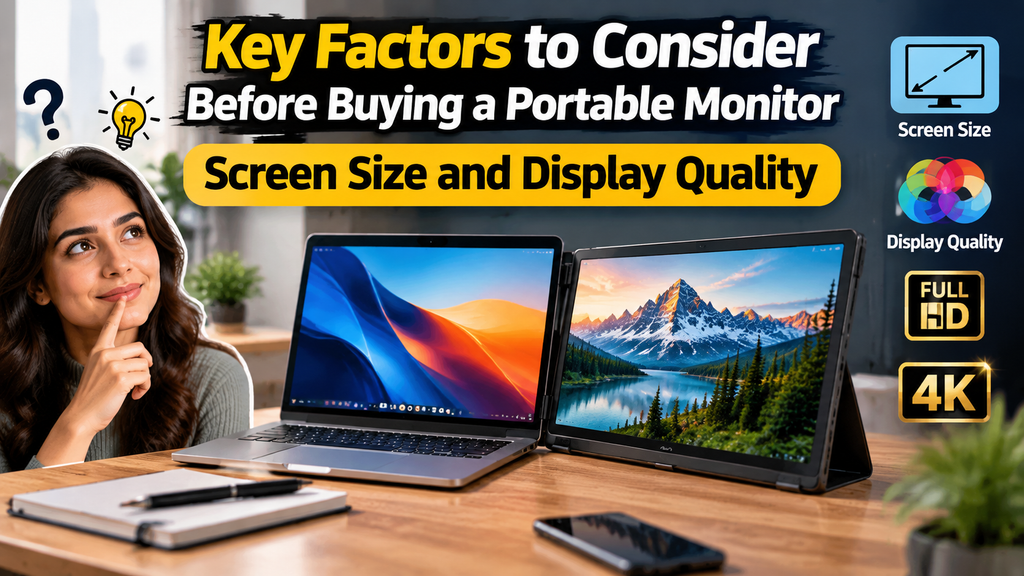
Screen Size and Display Quality
Screen size is one of the first things to check when buying a portable monitor. Most portable monitors range between 12 inches and 17 inches. Smaller screens are easier to carry, while larger displays provide more comfortable viewing.
For professional tasks such as programming, designing, or video editing, a larger screen may be more useful. For travel and casual use, a compact display can provide better portability.
Display resolution also affects image quality. A Full HD (1920×1080) display is suitable for general work, while higher resolutions can provide sharper images for creative tasks.
Important display factors include:
- Resolution: Determines image sharpness.
- Brightness: Affects visibility in different environments.
- Color accuracy: Important for designers and photographers.
- Viewing angles: Improves screen visibility from different positions.
Performance Features That Matter
When selecting a Mobile Pixels monitor, performance specifications should match your usage requirements.
Important features include:
| Feature | Why It Matters |
| Resolution | Provides sharper images and better viewing quality |
| Refresh Rate | Improves smoothness during movement and gaming |
| Brightness | Helps visibility in different lighting conditions |
| Connectivity | Ensures compatibility with devices |
| Weight | Affects portability |
A professional user may prioritize color accuracy and resolution, while a business traveler may focus more on lightweight design and battery efficiency.
Choosing the Right Mobile Pixels Monitor for Your Needs
For Students and Remote Workers
Students and remote employees often need affordable solutions that improve productivity. A portable monitor allows them to create a better workspace without purchasing a complete desktop setup.
Common uses include:
- Online classes
- Research work
- Writing assignments
- Video meetings
- Project management
A lightweight Full HD monitor with simple connectivity is usually enough for these users.
For Business Professionals and Creators
Professionals who handle multiple applications may benefit from larger displays with better image quality.
Designers, photographers, and video creators should focus on:
- High color accuracy
- Better resolution
- Larger screen size
- Reliable connectivity
A portable monitor can act as a creative workstation during travel or remote projects.
Why Choose Mobile Pixels Over Traditional Monitors?
Traditional desktop monitors are designed for fixed workspaces, but modern users need more flexibility. Many professionals now work from different locations, including homes, offices, coworking spaces, and travel destinations. This is where Mobile Pixels portable monitors provide an advantage.
Unlike large desktop displays, Mobile Pixels monitors are designed to offer extra screen space without taking up much room. Users can easily carry them with laptops and create a dual-screen setup whenever needed. This makes them suitable for people who want desktop-level productivity while maintaining mobility.
A portable monitor works like an extension of your digital workspace. Instead of reducing applications or switching between multiple tabs, you can keep important information visible on separate screens. This simple improvement can make daily tasks smoother and more organized.
Mobile Pixels Portable Monitor for Remote Work
Remote work has become a common working style for many professionals. However, working only on a laptop screen can sometimes reduce efficiency. A second monitor provides additional space for managing tasks.
With a Mobile Pixels portable monitor, remote workers can:
- Keep communication tools open while working
- Compare documents easily
- Manage spreadsheets faster
- Improve video meeting productivity
- Organize multiple applications
For example, a project manager can monitor project dashboards on one screen while communicating with team members on another. Similarly, writers and researchers can view reference materials without leaving their main workspace.
Mobile Pixels Portable Monitor for Students
Students often manage multiple digital resources at the same time. Online lectures, research websites, notes, and assignments can become difficult to handle on a single screen.
A portable monitor can help students create a better learning environment by allowing them to:
- Watch educational videos while taking notes
- Research topics while writing assignments
- Manage online classes efficiently
- Improve study organization
Because portable monitors are easy to carry, students can use them in different study locations.
Mobile Pixels for Content Creators and Designers
Content creators require efficient workflows and reliable displays. Video editors, graphic designers, photographers, and social media professionals often work with multiple applications.
A portable monitor provides extra workspace for creative tasks such as:
- Video editing timelines
- Image editing tools
- Content planning
- Design references
- Social media management
For creators who travel frequently, a portable monitor can provide a professional editing environment without carrying a complete desktop setup.
Gaming Experience with Portable Monitors
Portable monitors are also useful for gamers who want a flexible gaming setup. Their compact size allows gamers to create additional screens for monitoring chats, game guides, streaming tools, or performance information.
Some benefits include:
- Portable gaming setup
- Additional display space
- Easy transportation
- Better multitasking during gameplay
However, gamers should check refresh rate and response time before selecting a monitor for gaming purposes.
Also Read:
Top Benefits of Adding Foreo UK Devices to Your Beauty Routine
Your Ultimate Guide to Portable Energy Solutions from Jackery US
Zen Hotels US: Complete Guide to Hotel Booking and Travel Deals
What Makes easyname DE a Useful Choice for Growing Businesses
How Zen Hotels EU Can Enhance Your European Travel Experience
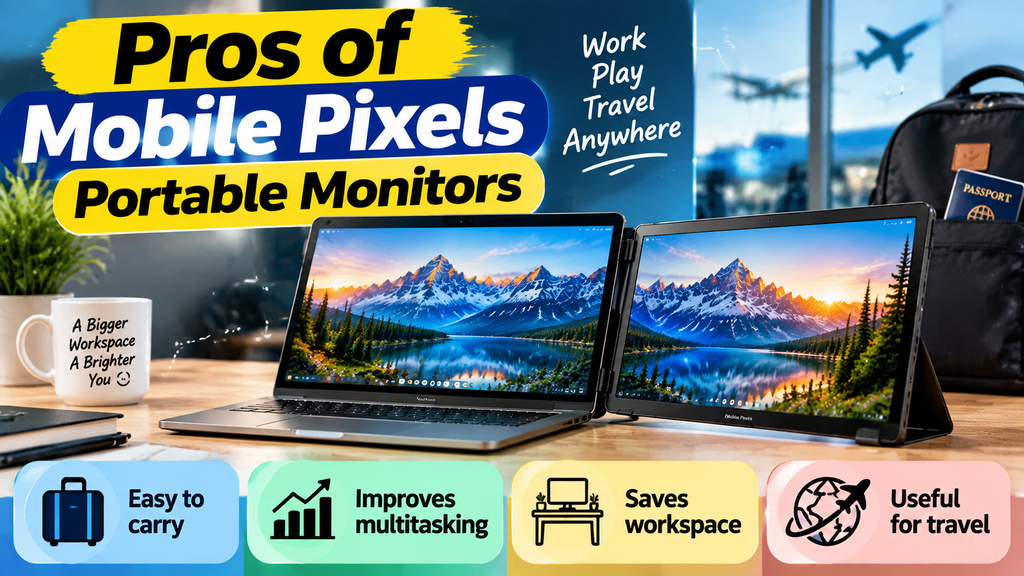
Pros and Cons of Mobile Pixels Portable Monitors
| Pros | Cons |
| Easy to carry | Smaller than desktop monitors |
| Improves multitasking | Requires cables or adapters in some cases |
| Saves workspace | Limited brightness on some models |
| Useful for travel | Additional device to carry |
Portable monitors are not designed to replace large desktop displays, but they provide excellent flexibility for mobile users.
How Portable Monitors Improve Productivity
A second screen can change the way people work. Many professionals spend time switching between applications, searching for files, and managing multiple tasks. A portable monitor reduces this problem by keeping more information visible.
For example, writers can research on one screen while writing on another. Developers can test applications while viewing code separately. Entrepreneurs can manage communication, reports, and dashboards at the same time.
The biggest benefit is better organization. A portable monitor creates a cleaner digital workspace that helps users focus on important tasks.
Maintenance Tips for Long-Term Use
Taking care of your portable monitor helps maintain performance and durability.
Useful maintenance practices include:
- Keep the screen clean using a microfiber cloth.
- Avoid placing heavy objects on the monitor.
- Use protective cases during travel.
- Disconnect cables carefully.
- Store the monitor safely when not in use.
Proper handling can extend the life of your device and maintain display quality.
How to Set Up a Mobile Pixels Portable Monitor
Setting up a portable monitor is usually simple and requires only a few steps:
- Connect the monitor to your laptop or device using the required cable.
- Install necessary drivers if required.
- Adjust display settings from your operating system.
- Select whether you want an extended or duplicated screen.
- Adjust brightness and viewing angle for comfortable use.
Once connected, the portable monitor becomes an additional workspace that can improve your workflow.
Latest Posts:




Future of Portable Monitor Technology
The demand for portable displays is expected to continue growing as flexible work environments become more common. Future portable monitors may include improvements such as:
- Better display quality
- Lower power consumption
- Wireless connectivity
- Touchscreen features
- Improved battery performance
- Smarter integration with devices
Portable monitors represent the future of flexible computing because they combine productivity, mobility, and convenience.
Conclusion
Choosing the right Mobile Pixels portable monitor depends on your personal needs, working style, and budget. These monitors provide a practical way to increase screen space without carrying large equipment. Whether you are a student, remote worker, business professional, or content creator, a portable display can improve productivity and flexibility.
Before purchasing, consider important factors like screen size, resolution, connectivity, portability, and performance. A well-selected portable monitor can become a valuable part of your digital workspace and help you work efficiently from almost anywhere.