
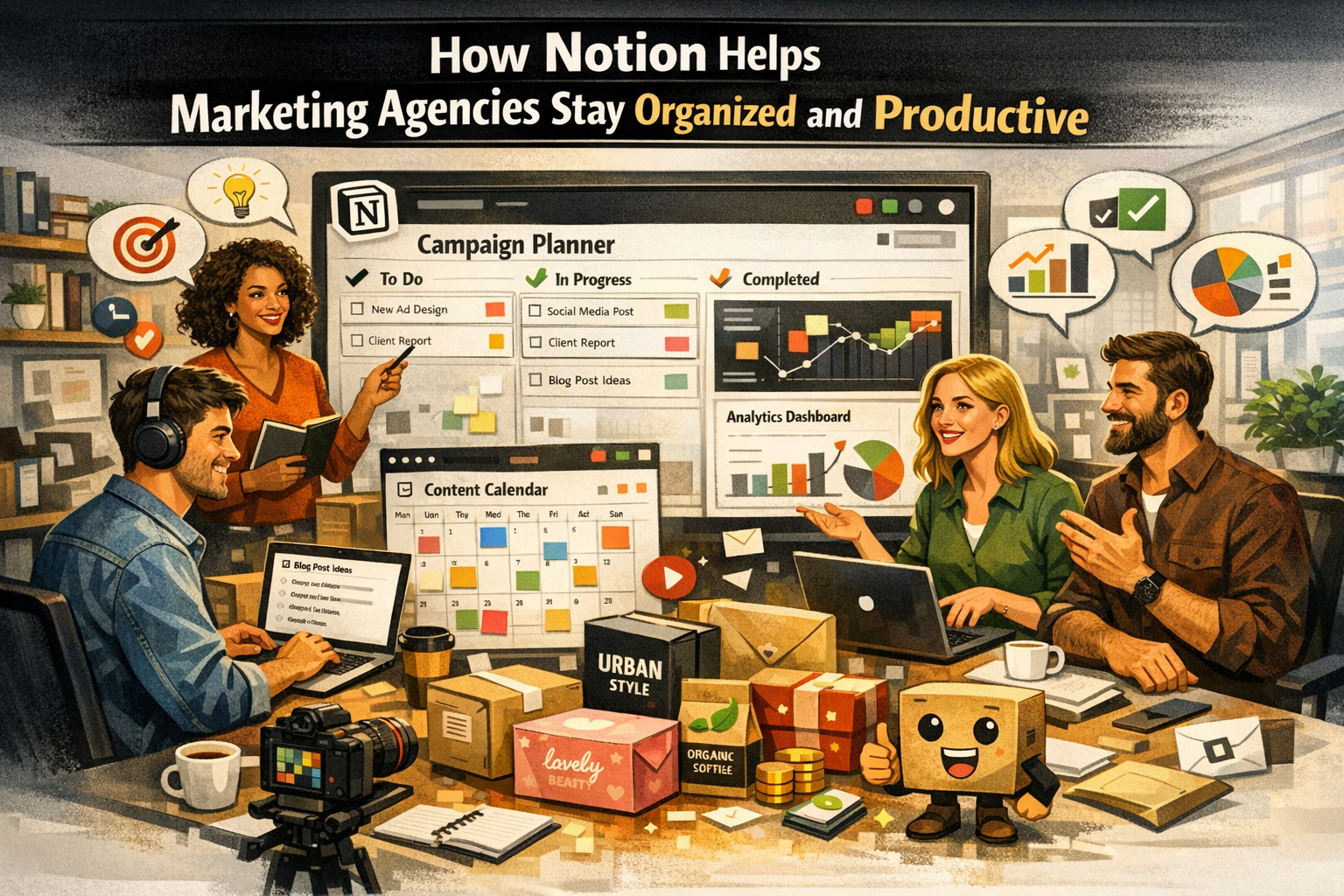
Marketing agencies live in a world of constant movement. Campaign deadlines, client meetings, content creation schedules, analytics reports, and creative brainstorming sessions often collide in a single workday. Without a proper system in place, things can spiral into chaos quickly. One missed file, one lost task, or one poorly documented strategy can delay an entire campaign. That’s why marketing agencies increasingly rely on structured digital workspaces to keep everything aligned.
Marketing projects involve multiple moving pieces: copywriters, designers, strategists, analysts, and account managers. Each person brings their expertise, but without a centralized platform, collaboration becomes fragmented. Emails get buried, documents scatter across folders, and teams struggle to track progress. Over time, this disorganization reduces productivity and increases stress within teams.
Modern agencies now understand that productivity isn’t just about working harder—it’s about working smarter. Instead of juggling ten different tools, teams want a single platform where everything lives. This shift toward integrated workspaces is exactly why tools like Notion have gained massive popularity. With flexible databases, customizable workflows, and collaborative pages, Notion allows agencies to organize their work like a digital command center.
Table of Contents
- Why Marketing Workflows Are Often Chaotic
- The Cost of Poor Organization in Agencies
- What Is Notion and Why Marketing Teams Love It
- Key Features of Notion That Benefit Marketing Agencies
- How Marketing Agencies Use Notion in Daily Operations
- Notion AI and Automation for Marketing Teams
- Comparing Notion with Traditional Productivity Tools
- Best Practices for Agencies Using Notion
- Challenges Agencies Might Face with Notion
- Conclusion
- FAQs
Why Marketing Workflows Are Often Chaotic
Marketing agencies handle dozens of projects simultaneously. Imagine running social media campaigns for five clients, writing blogs for three brands, designing landing pages for another company, and launching an ad campaign all in the same week. Every project requires planning, assets, approvals, and reporting. Without a unified system, tasks easily slip through the cracks.
Many agencies still rely on a combination of spreadsheets, email threads, project boards, and messaging tools. While each tool works well individually, the real problem emerges when information gets scattered across them. Team members constantly switch between platforms, searching for documents or updates. This constant context switching drains productivity and slows down decision-making.
A centralized workspace eliminates that confusion. When teams can access campaign plans, task lists, meeting notes, and analytics dashboards in one place, collaboration becomes smoother and faster.
The Cost of Poor Organization in Agencies
Disorganization doesn’t just create stress—it costs money. Late deliverables can damage client relationships, while unclear responsibilities can cause duplicated work. In competitive industries like digital marketing, agencies cannot afford such inefficiencies.
Studies suggest that digital productivity tools significantly improve team performance. In fact, users of modern workspace platforms report up to 87% higher task completion rates compared to traditional workflows. This dramatic improvement highlights how structured systems can transform productivity.
For marketing agencies, this means fewer missed deadlines, clearer workflows, and stronger client satisfaction.
What Is Notion and Why Marketing Teams Love It
The All-in-One Workspace Concept
Notion is often described as an “all-in-one workspace,” and that description is surprisingly accurate. Instead of juggling note-taking apps, task managers, and knowledge bases separately, Notion combines them into a single platform.
Think of Notion like a digital Lego set for productivity. You can build databases, documents, dashboards, calendars, and project boards—then connect them together. This flexibility allows marketing agencies to create systems tailored to their specific workflow rather than forcing their processes into rigid software structures.
For example, a marketing team might create a workspace that includes:
- Campaign planning dashboards
- Editorial calendars
- Client project trackers
- Social media content pipelines
- Meeting notes and strategy documents
All of these elements can connect to each other, meaning tasks link to campaigns, campaigns link to clients, and analytics reports link to results.
Notion’s Rapid Growth and Adoption
Notion’s popularity has exploded over the past few years. By 2024, the platform had surpassed 100 million users worldwide, making it one of the fastest-growing productivity tools available.
Large organizations and startups alike rely on the platform to streamline collaboration. Reports also show that over 50% of Fortune 500 companies use Notion in some capacity, demonstrating its credibility as a serious productivity solution.
For marketing agencies, the appeal lies in its adaptability. Whether a team of five freelancers or a full-scale agency with hundreds of employees, Notion scales effortlessly.
Key Features of Notion That Benefit Marketing Agencies
Unified Workspace for Teams
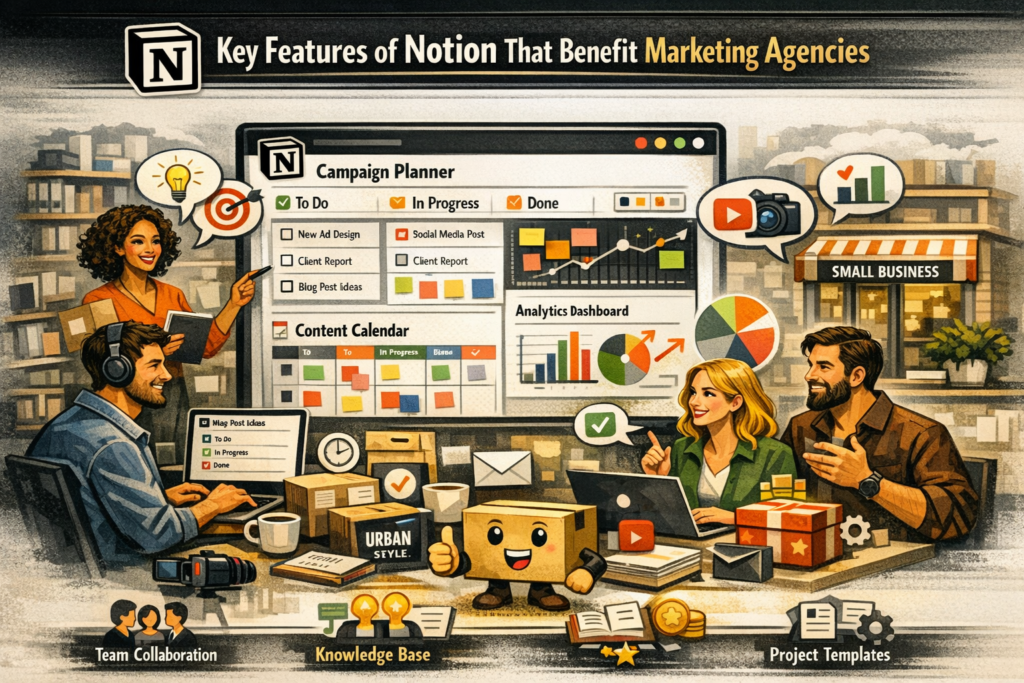
One of the most powerful aspects of Notion is its ability to centralize work. Instead of scattering files across different tools, teams can store everything in a shared workspace.
Marketing teams often create a team wiki inside Notion. This wiki acts as the central knowledge hub containing brand guidelines, campaign strategies, onboarding documents, and internal processes. Anyone joining the agency can instantly understand how things work.
This approach dramatically improves transparency. Everyone can see what projects are active, who is responsible for tasks, and what deadlines are approaching.
Databases and Custom Workflows
Notion databases are the secret weapon behind its productivity. Unlike traditional spreadsheets, these databases allow teams to create highly customized views of their work.
For example, a marketing campaign database might include fields such as:
- Campaign name
- Client
- Budget
- Status
- Launch date
- Performance metrics
Teams can then view this data as tables, Kanban boards, calendars, or timelines. This flexibility makes it easier to visualize projects and track progress.
Real-Time Collaboration
Collaboration is at the heart of marketing work. Writers, designers, and strategists constantly exchange feedback and ideas.
Notion allows multiple people to work on the same page simultaneously. Team members can comment, tag colleagues, and assign tasks directly inside documents. This removes the need for endless email threads and keeps communication tied to the actual project.
Templates for Campaigns and Content
Marketing agencies thrive on repeatable systems. Every campaign follows similar stages: research, planning, creation, launch, and analysis.
Notion templates allow teams to standardize these processes. For example, a campaign template might automatically generate:
- A project brief
- Task checklist
- Timeline
- Performance tracking section
This ensures consistency across all client projects.
How Marketing Agencies Use Notion in Daily Operations
Campaign Planning and Strategy
Every successful marketing campaign begins with a clear strategy. Agencies often use Notion to create campaign pages that outline goals, target audiences, messaging, and key performance indicators.
Each campaign page can contain everything related to the project: briefs, design assets, timelines, and tasks. When teams access the campaign dashboard, they instantly see the entire project ecosystem.
This centralized approach reduces confusion and helps teams move from planning to execution faster.
Content Calendar Management
Content marketing requires careful scheduling. Blogs, newsletters, social posts, and videos must align with brand strategy and campaign goals.
Many marketing teams use Notion as an editorial calendar. The calendar view allows teams to visualize upcoming content and track production stages.
For instance, the platform can display columns such as:
- Idea stage
- Draft in progress
- Editing
- Scheduled for publication
Writers, editors, and designers can collaborate within each content page, keeping all assets and feedback in one place.
Client Project Tracking
Client management is another area where Notion excels. Agencies often create dedicated dashboards for each client, including:
- Project timelines
- Campaign reports
- Meeting notes
- Deliverable checklists
This level of organization makes it easier to communicate updates with clients and ensure nothing gets overlooked.
Knowledge Management and Documentation
Over time, agencies accumulate a massive amount of knowledge—marketing playbooks, campaign insights, and creative strategies.
Notion functions as a searchable knowledge base. Instead of losing valuable insights in old folders, teams can document them in structured pages. This makes onboarding new employees significantly easier.
Notion AI and Automation for Marketing Teams
Content Creation and Brainstorming
Content creation can be time-consuming, especially when marketers constantly need fresh ideas. Notion’s AI capabilities help teams brainstorm topics, draft social media posts, and refine blog content directly within the workspace.
Instead of switching between multiple AI tools, marketers can generate outlines, rewrite content, or adjust tone without leaving the document.
Data Insights and Reporting
Marketing teams often analyze survey results, campaign metrics, and customer feedback. Notion AI can summarize large datasets and highlight trends, making it easier for teams to extract insights quickly.
This speeds up decision-making and allows agencies to optimize campaigns faster.
Comparing Notion with Traditional Productivity Tools
Notion vs Trello, Asana, and Google Docs
| Feature | Notion | Trello | Asana | Google Docs |
|---|---|---|---|---|
| All-in-one workspace | Yes | No | No | No |
| Custom databases | Yes | Limited | Moderate | No |
| Documentation & wiki | Yes | No | Limited | Yes |
| AI assistance | Yes | Limited | Some | Limited |
| Flexible dashboards | Yes | No | Partial | No |
Unlike traditional tools that focus on a single function, Notion combines documentation, task management, and collaboration into one platform.
Best Practices for Agencies Using Notion
Setting Up a Marketing Workspace
A successful Notion workspace starts with clear structure. Agencies typically create main sections such as:
- Campaigns
- Clients
- Content calendar
- Internal knowledge base
- Meeting notes
Organizing information into clear categories ensures that everyone can find what they need quickly.
Creating Scalable Systems
As agencies grow, their workflows become more complex. Notion’s flexibility allows teams to expand their systems without switching tools.
By using templates, relational databases, and dashboards, agencies can build systems that scale alongside their business.
Latest Post:



Challenges Agencies Might Face with Notion
Despite its many advantages, Notion isn’t perfect. Some teams find the initial setup overwhelming because the platform is extremely flexible. Without clear processes, teams might spend too much time customizing their workspace.
Another challenge is that Notion relies heavily on internet connectivity, which may affect offline productivity.
Still, most agencies find that the benefits far outweigh the learning curve.
Read More:-
ZoomInfo: The Complete B2B Lead Generation Tool for Marketers
How Xero Simplifies Accounting for Digital Marketing Businesses
How Similarweb Helps Marketing Agencies Analyze Competitors
Workable: The Best Recruitment Software for Marketing Agencies
Unbounce: The Best Landing Page Builder for Marketing Agencies
Conclusion
Marketing agencies thrive on organization, collaboration, and efficiency. In an industry where deadlines are tight and projects constantly evolve, having a structured workspace can make the difference between chaos and clarity.
Notion offers a powerful solution by combining documentation, task management, databases, and AI capabilities into one flexible platform. With millions of users worldwide and growing adoption among businesses, it has become a cornerstone productivity tool for modern teams.
For marketing agencies, the real power of Notion lies in its adaptability. Teams can design workflows that match their unique processes rather than forcing themselves into rigid software systems. The result is better collaboration, faster execution, and more consistent results for clients.
When implemented thoughtfully, Notion transforms the way marketing agencies operate—turning scattered workflows into organized, efficient systems that drive real productivity.
FAQs
1. Is Notion good for marketing agencies?
Yes, Notion is widely used by marketing agencies because it combines project management, documentation, and collaboration tools in one platform.
2. Can Notion replace project management tools?
In many cases, yes. Notion can replace tools like Trello or Asana by offering customizable boards, task tracking, and workflow management.
3. Does Notion support marketing content calendars?
Absolutely. Notion allows teams to create editorial calendars, track content production stages, and manage publishing schedules.
4. Is Notion AI useful for marketers?
Yes. Notion AI can help generate content ideas, draft marketing copy, analyze data, and summarize research.
5. Is Notion suitable for small agencies?
Yes. Small agencies benefit from Notion because it reduces the need for multiple tools while remaining scalable as the team grows.