
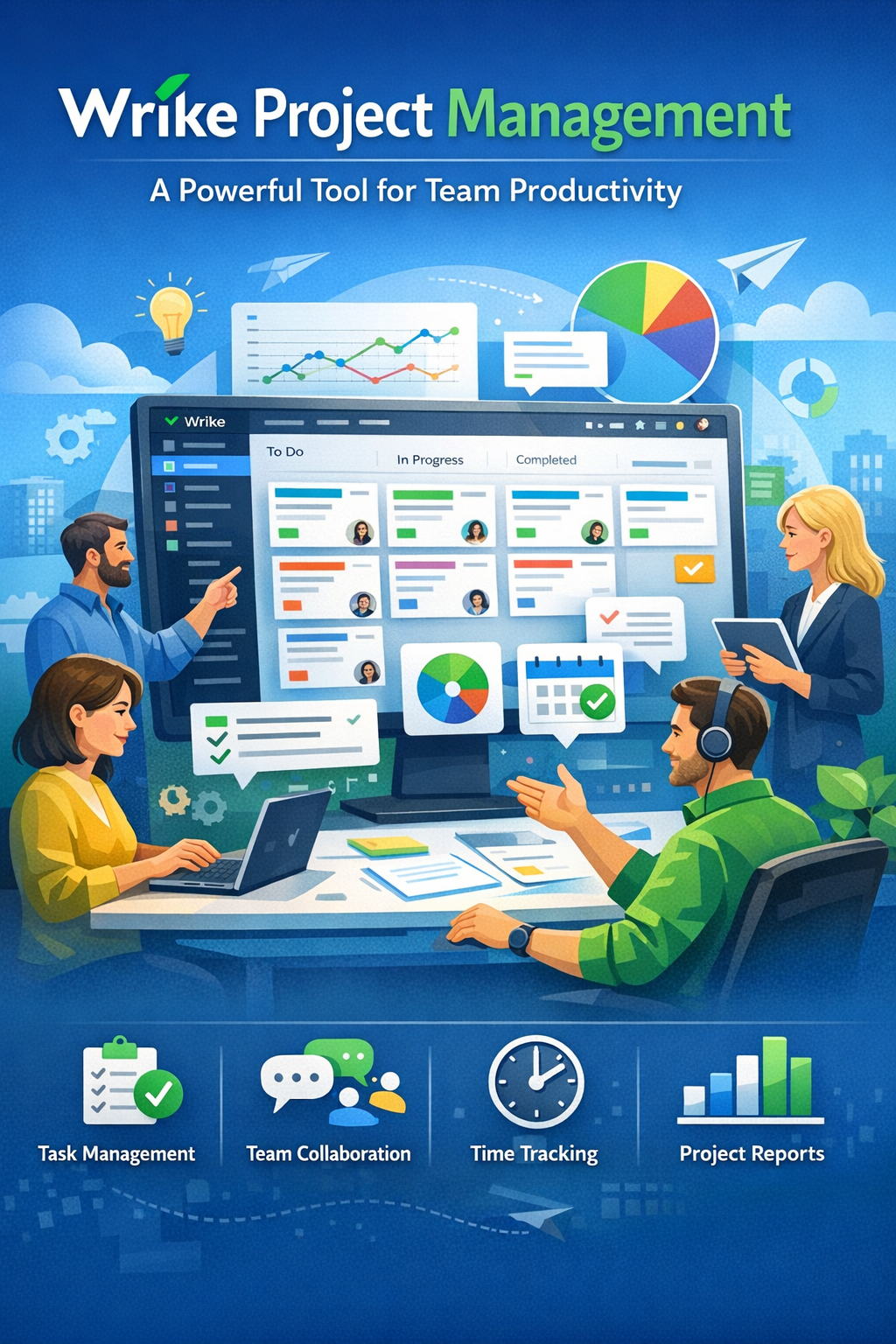
Discover how Wrike helps teams stay organized, collaborate efficiently, and boost productivity. This blog post explores the key features, benefits, and practical uses of Wrike, showing how it simplifies project management, improves workflow visibility, and enables teams to deliver projects faster and more effectively.
Table of Contents
- What Is Wrike Project Management?
- The Evolution of Modern Project Management Tools
- Why Businesses Choose Wrike
- Key Features of Wrike
- Wrike Pricing Plans Explained
- Benefits of Using Wrike for Team Productivity
- Wrike Integrations and Ecosystem
- Wrike vs Other Project Management Tools
- Best Use Cases for Wrike
- Conclusion
- FAQs
What Is Wrike Project Management?
Modern businesses are juggling dozens—sometimes hundreds—of tasks at once. Projects stretch across departments, deadlines stack up quickly, and communication gaps can cause chaos. This is where Wrike project management software steps in as a powerful solution designed to bring order to the chaos and improve team productivity.
At its core, Wrike is a cloud-based project management platform that helps teams plan, track, collaborate on, and deliver projects efficiently. It offers multiple tools like task management, dashboards, timeline views, and workflow automation to ensure projects move forward without confusion or delays. Companies ranging from startups to enterprise organizations rely on the platform to centralize their work processes.
Think of Wrike as a digital command center for your team. Instead of juggling emails, spreadsheets, and chat apps separately, everything lives in one unified workspace. Managers can assign tasks, monitor progress, allocate resources, and analyze performance in real time.
One of the reasons Wrike stands out is its flexibility. Teams using Agile, Waterfall, or hybrid project management methodologies can all customize the platform to fit their workflows. This adaptability has made Wrike a popular choice among marketing teams, IT departments, project managers, and creative agencies worldwide.
In an era where remote and distributed teams are becoming the norm, having a centralized system like Wrike ensures everyone stays aligned. Deadlines become clearer, responsibilities become transparent, and productivity naturally improves.
The Evolution of Modern Project Management Tools
Project management has come a long way from sticky notes and Excel spreadsheets. For years, organizations relied heavily on manual tracking methods that were prone to errors and lacked real-time visibility. As businesses expanded and teams became more distributed, these traditional methods simply couldn’t keep up.
Enter digital project management tools. Platforms like Wrike emerged to solve the biggest pain points faced by modern teams: coordination, visibility, and collaboration.
Earlier tools focused mainly on task tracking. But today’s platforms—Wrike included—provide complete work management ecosystems. This means you can plan projects, assign work, collaborate on files, automate repetitive tasks, and generate performance reports all from one dashboard.
The shift toward remote work accelerated this transformation. Teams now require tools that allow them to collaborate seamlessly regardless of location. Wrike addresses this challenge by providing desktop, web, and mobile apps, enabling team members to manage projects and approvals from virtually anywhere.
Another major trend in project management is the integration of AI and automation. Wrike has adopted these innovations to help teams save time by automatically generating project plans, summarizing discussions, and streamlining repetitive workflows.
So instead of spending hours organizing tasks or sending follow-up emails, teams can focus on the work that actually matters.
Why Businesses Choose Wrike
Businesses adopt Wrike for one primary reason: productivity. When workflows become messy, productivity drops. Wrike’s entire design philosophy revolves around simplifying workflows and improving team efficiency.
One major advantage is centralized project visibility. In many organizations, project information is scattered across emails, messaging platforms, and spreadsheets. Wrike consolidates everything into one workspace where tasks, discussions, and documents coexist.
Another key reason companies choose Wrike is scalability. The platform works equally well for small teams and large enterprises. Whether you’re managing a five-person marketing team or coordinating hundreds of employees across departments, Wrike can scale with your organization.
Wrike also excels at cross-department collaboration. Marketing teams can coordinate campaigns, product teams can track development timelines, and management can monitor strategic initiatives—all within the same system.
And then there’s customization. Wrike allows teams to create custom workflows, dashboards, reports, and task structures tailored to their unique processes. Instead of forcing teams into rigid frameworks, Wrike adapts to how people actually work.
This flexibility is one of the biggest reasons why over 20,000 organizations worldwide rely on Wrike for project management.
Key Features of Wrike
Task and Project Management
At the heart of Wrike lies its powerful task and project management system. Every project can be broken down into smaller tasks and subtasks, each with assigned owners, deadlines, and priorities.
This granular structure makes large projects much easier to manage. Instead of dealing with a massive list of responsibilities, teams can organize work into manageable components.
Managers can also attach files, leave comments, track progress, and update task statuses—all within the same interface. This eliminates the need for endless email chains and scattered communication.
Organizing Work with Folders, Tasks, and Subtasks
Wrike’s hierarchical structure allows projects to be organized logically using folders, projects, tasks, and subtasks. This system creates a clear breakdown of responsibilities across teams.
For example:
- A marketing campaign can be a project
- Individual deliverables like social media posts can be tasks
- Design, copywriting, and review steps can be subtasks
This layered approach makes it easier to track progress and ensures no work slips through the cracks.
Visual Project Planning Tools
Gantt Charts and Kanban Boards
Visual planning tools are one of Wrike’s strongest capabilities. Instead of relying solely on text lists, teams can visualize projects using multiple views.
Two of the most popular options include:
| Tool | Purpose |
| Gantt Chart | Displays project timelines and task dependencies |
| Kanban Board | Organizes tasks into workflow stages |
| Calendar View | Tracks deadlines and project milestones |
| Table View | Displays projects in spreadsheet format |
These views help teams understand project progress at a glance. For example, Gantt charts allow managers to see how tasks depend on one another and adjust timelines if delays occur. Kanban boards, on the other hand, provide a simple drag-and-drop interface to move tasks between stages like To Do, In Progress, and Completed.
This flexibility allows teams to manage projects using the visualization style they prefer.
Collaboration and Communication
One of the biggest productivity killers in any organization is poor communication. Wrike tackles this issue by integrating collaboration tools directly into the platform.
Instead of sending endless emails, team members can discuss tasks inside Wrike itself. Comments, file attachments, and feedback remain linked to specific tasks, making conversations easier to follow.
Wrike also includes built-in approval workflows and proofing tools that allow stakeholders to review documents, designs, or videos directly inside the platform. This feature is especially useful for marketing agencies and creative teams that frequently handle revisions.
External collaborators—such as clients or freelancers—can also participate through guest access, making project communication smoother and more transparent.
Automation and Workflow Management
Automation is another area where Wrike shines. Teams often spend hours performing repetitive tasks like assigning work, updating statuses, or sending reminders. Wrike automates these processes using custom workflow rules.
For instance, a task can automatically move to the Review stage once it’s marked as completed. Notifications can also be triggered when deadlines approach or when a task requires approval.
Wrike’s automation capabilities extend even further with AI-powered tools that help generate task descriptions, summarize comments, and create project plans automatically.
These features reduce administrative work and allow teams to focus on execution rather than coordination.
Wrike Pricing Plans Explained
Free Plan Overview
Wrike offers a Free plan designed for small teams that need basic task management capabilities. This plan allows up to five users and includes essential features such as board views, table views, and simple task tracking.
Even though it’s free, the plan still provides enough functionality for startups or freelancers managing small projects.
Paid Plans for Growing Teams
As teams grow, they often require advanced features like automation, integrations, and reporting. Wrike addresses this with multiple paid plans.
| Plan | Price (approx.) | Key Features |
| Free | $0 | Basic task management |
| Team | $10/user/month | Dashboards, AI tools |
| Business | $25/user/month | Custom workflows, integrations |
| Pinnacle | Custom pricing | Advanced reporting and resource planning |
The Team plan adds collaboration dashboards and automation tools, while the Business plan focuses on workflow customization and scalability. Enterprise-level organizations can choose advanced plans that include budgeting, analytics, and capacity planning tools.
This tiered pricing model allows companies to start small and expand their capabilities as their project management needs grow.
Benefits of Using Wrike for Team Productivity
Improved Project Visibility
One of the most immediate benefits of using Wrike is improved visibility into projects. Managers can track progress in real time, identify bottlenecks early, and ensure deadlines remain on track.
Dashboards provide a high-level overview of ongoing tasks, allowing decision-makers to quickly assess project health.
Better Resource Management
Wrike’s workload charts and resource planning tools help teams distribute work more evenly. Managers can see who is overloaded and who has capacity for additional tasks.
This prevents burnout while ensuring resources are used efficiently.
Real-Time Collaboration
Since Wrike combines communication, file sharing, and task management in one place, teams can collaborate without switching between multiple apps.
This reduces friction and significantly speeds up project execution.
Wrike Integrations and Ecosystem
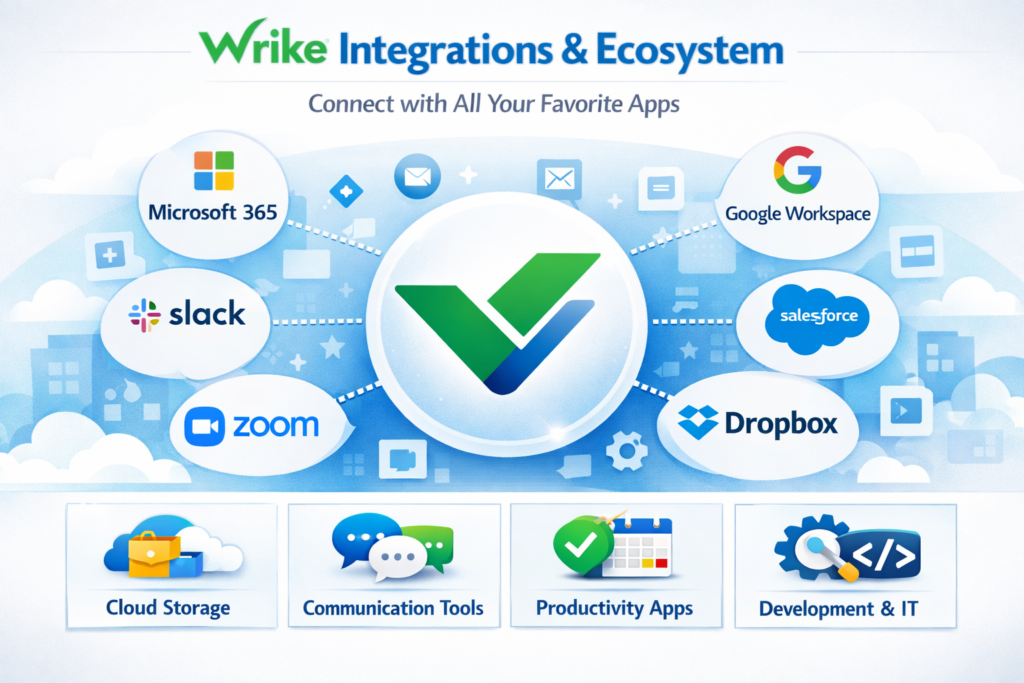
Another reason Wrike has become popular among organizations is its ability to integrate with existing tools. Businesses rarely rely on a single software platform, so integration capabilities are essential.
Wrike supports over 400 integrations with popular business applications such as CRM platforms, communication tools, and cloud storage services.
Examples include integrations with:
- Slack
- Zoom
- Salesforce
- HubSpot
- Google Drive
- Microsoft Teams
By connecting these tools to Wrike, organizations can create a unified workflow where information flows seamlessly between systems.
Latest post:


Wrike vs Other Project Management Tools
Wrike competes with several well-known project management platforms such as Asana, Monday.com, and ClickUp. Each tool has its strengths, but Wrike often stands out for its enterprise-grade capabilities.
| Feature | Wrike | Typical Alternatives |
| Workflow customization | High | Medium |
| Reporting & analytics | Advanced | Basic |
| Automation | Strong | Moderate |
| Learning curve | Medium-High | Low-Medium |
Wrike tends to be particularly strong in complex project environments where teams need advanced reporting, resource planning, and workflow automation.
However, smaller teams sometimes prefer simpler tools because they require less setup and training.
Best Use Cases for Wrike
Wrike isn’t just for one type of organization. Its flexibility allows it to support a wide range of industries and workflows.
Some of the most common use cases include:
- Marketing teams managing campaigns and content production
- IT teams tracking development projects and releases
- Professional services firms managing client deliverables
- Creative agencies coordinating design reviews and approvals
- Enterprise organizations overseeing large project portfolios
Companies dealing with complex workflows often benefit the most from Wrike’s powerful reporting and automation capabilities.
Read More:-
ZoomInfo: The Complete B2B Lead Generation Tool for Marketers
How Xero Simplifies Accounting for Digital Marketing Businesses
How Similarweb Helps Marketing Agencies Analyze Competitors
Workable: The Best Recruitment Software for Marketing Agencies
Unbounce: The Best Landing Page Builder for Marketing Agencies
Conclusion
Managing projects efficiently has become one of the biggest challenges for modern organizations. With distributed teams, tight deadlines, and increasing workloads, relying on spreadsheets and email simply isn’t enough anymore.
Wrike project management software offers a comprehensive solution that combines task management, collaboration, automation, and analytics in a single platform. Its flexible architecture allows teams to adapt the tool to their workflows instead of adjusting their workflows to the tool.
From small startups to global enterprises, organizations can use Wrike to improve transparency, streamline processes, and enhance team productivity. With features like customizable dashboards, visual planning tools, and AI-powered automation, Wrike empowers teams to focus on delivering results rather than managing chaos.
For businesses seeking a scalable and powerful project management platform, Wrike stands out as a strong contender in the increasingly competitive world of work management software.
FAQs
1. What is Wrike used for?
Wrike is used for project management, task tracking, team collaboration, and workflow automation. It helps organizations plan projects, assign responsibilities, and monitor progress in real time.
2. Is Wrike suitable for small teams?
Yes. Wrike offers a free plan for up to five users, making it a good starting point for small teams or startups.
3. What industries use Wrike?
Wrike is widely used in marketing, IT, software development, consulting, and creative industries that require structured project management.
4. Does Wrike support integrations?
Yes. Wrike integrates with 400+ business tools, including CRM systems, communication platforms, and cloud storage services.
5. Is Wrike better than other project management tools?
It depends on your needs. Wrike is excellent for complex workflows and enterprise teams, while simpler tools may work better for small projects or basic task management.