
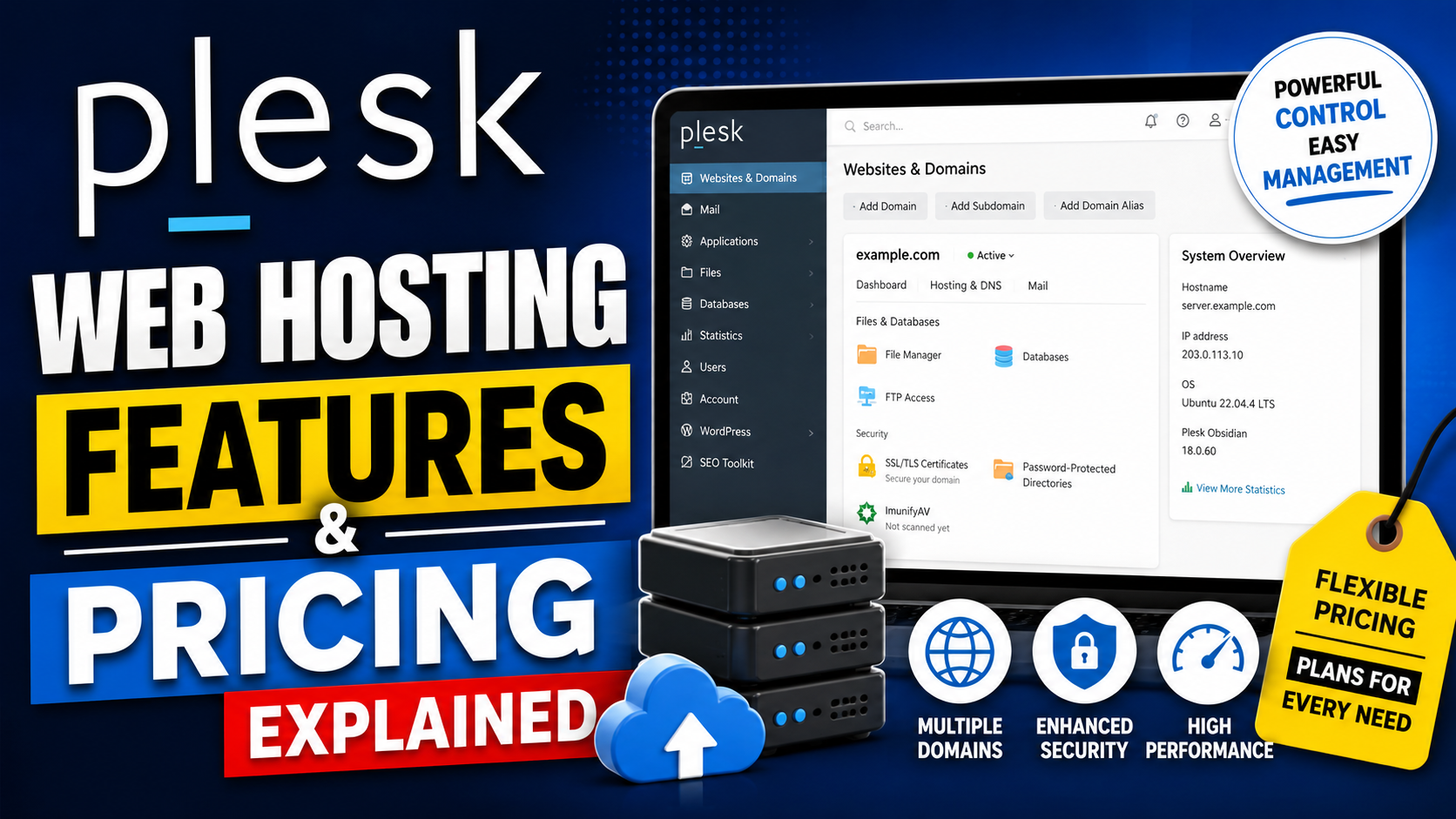
When people first step into the world of web hosting, they usually feel overwhelmed by all the technical jargon floating around. Terms like DNS management, SSL certificates, server optimization, and database administration sound intimidating at first glance. That is exactly where Plesk enters the picture. Plesk is a powerful web hosting control panel designed to simplify server and website management through a clean graphical interface. Instead of typing endless commands into a terminal window, users can manage websites, emails, databases, security tools, and applications with just a few clicks.
One major reason behind Plesk’s popularity is its versatility. Unlike many competitors that focus mainly on Linux hosting, Plesk works on both Windows and Linux servers. That flexibility makes it attractive for developers, agencies, hosting providers, and businesses that run mixed environments. According to Plesk’s official platform overview, the software also supports over 100 extensions, centralized dashboard management, advanced security tools, and integrations with major cloud providers like AWS, Google Cloud, and Microsoft Azure.
Table of Contents
- Understanding the Plesk Control Panel
- Who Uses Plesk Today?
- Key Features That Make Plesk Stand Out
- WordPress Toolkit and Automation
- Security and Backup Features
- Developer-Friendly Tools
- Plesk Pricing Plans Explained
- Comparing Plesk With cPanel
- Advantages and Disadvantages of Plesk
- Is Plesk Worth It in 2026?
- Conclusion
- FAQs
Understanding the Plesk Control Panel
At its core, Plesk is designed to provide a centralized environment where users can manage multiple hosting tasks from one interface. Think of it as the operating system dashboard for your hosting infrastructure. Instead of juggling multiple software tools separately, Plesk combines website management, email hosting, security configurations, DNS settings, and database administration into a single panel.
One of the most appreciated aspects of the Plesk interface is its simplicity. The dashboard is visually organized, making it approachable even for beginners who have never managed a server before. Users can install applications like WordPress in minutes, configure SSL certificates automatically through Let’s Encrypt, and monitor server performance without touching complicated command-line interfaces.
Plesk also emphasizes automation heavily. Tasks that traditionally required manual effort — software updates, backup scheduling, malware scanning, and staging environments — can now run automatically. This automation saves significant time for agencies managing dozens of websites simultaneously. Instead of spending hours performing repetitive maintenance, teams can focus on growing their business or improving customer experiences.
The control panel also supports multi-user access. Hosting companies and agencies can create separate customer accounts with customized permissions. That functionality becomes extremely valuable when managing client projects because administrators maintain control while still allowing customers to access only the tools they need.
Modern developers appreciate Plesk because it integrates well with technologies beyond traditional PHP hosting. The platform supports Git repositories, Docker containers, Node.js applications, and database engines like PostgreSQL and MySQL. That broader compatibility positions Plesk as more than just a beginner hosting dashboard — it becomes a full-fledged server management ecosystem capable of handling modern web applications.
Who Uses Plesk Today?

Plesk attracts a surprisingly broad audience. Freelancers managing a handful of WordPress sites use it alongside enterprise hosting providers operating thousands of customer accounts. Its adaptability allows different types of users to customize the environment according to their needs.
Digital agencies represent one of the largest user groups. Agencies often manage dozens or even hundreds of websites for clients. Handling updates, backups, security patches, and performance monitoring manually would be exhausting. Plesk streamlines those tasks into a manageable workflow. The centralized dashboard acts like mission control for agencies juggling multiple client projects simultaneously.
Developers also benefit significantly from Plesk’s modern integrations. Tools like Git deployment, Docker management, staging environments, and Node.js support appeal to programmers building modern applications. Instead of configuring every server component manually, developers can deploy applications faster through automated workflows integrated directly into the platform.
Hosting companies rely heavily on Plesk because of its reseller management and subscription tools. Providers can create hosting plans, allocate resources, and manage customer accounts efficiently. This functionality makes Plesk an attractive alternative to competitors like cPanel, especially for Windows hosting environments where cPanel lacks support.
Even small businesses with limited technical expertise use Plesk successfully. Entrepreneurs running eCommerce stores, blogs, or portfolio sites appreciate the simplified user interface. They can manage email accounts, install SSL certificates, and perform backups without hiring a dedicated server administrator.
The rise of cloud hosting has further expanded Plesk’s relevance. Official documentation highlights compatibility with AWS, Google Cloud, Alibaba Cloud, Azure, and DigitalOcean. Businesses migrating to scalable cloud infrastructure often choose Plesk because it simplifies the complexity traditionally associated with cloud server management.
Key Features That Make Plesk Stand Out
The hosting industry is crowded with control panels, so what makes Plesk different? The answer lies in its blend of usability, automation, scalability, and developer-focused functionality. Instead of targeting only beginners or only advanced administrators, Plesk attempts to bridge both worlds effectively.
One standout feature is centralized management. Users can control multiple domains, applications, email accounts, databases, and subscriptions from one unified dashboard. That consolidation dramatically reduces administrative complexity. Imagine trying to manage a large apartment complex without a master key system — chaos would follow quickly. Plesk essentially provides that master key for hosting environments.
Security is another major strength. Cyber threats continue growing every year, making hosting security a top priority. Plesk integrates security tools directly into the platform rather than treating them as optional add-ons. Malware scanning, firewalls, fail2ban integration, SSL management, and automated updates help protect websites proactively.
The platform also shines in WordPress management. Since WordPress powers a massive portion of the internet, hosting panels must optimize for it effectively. Plesk includes a dedicated WordPress Toolkit that simplifies installation, staging, cloning, updates, backups, and security hardening.
Its extension ecosystem further expands functionality. Official resources mention over 100 extensions available for integration. Users can connect services like Cloudflare, Git, Docker, Node.js, Let’s Encrypt, and backup tools directly within the interface.
Perhaps the biggest differentiator is flexibility. Plesk works across Linux and Windows servers, supports cloud deployments, and accommodates modern developer workflows. That adaptability explains why it continues gaining popularity even as hosting technology evolves rapidly.
WordPress Toolkit and Automation
If WordPress is the engine powering millions of websites, then the Plesk WordPress Toolkit acts like an advanced maintenance garage built specifically for that engine. This toolkit is widely considered one of Plesk’s strongest selling points because it simplifies tasks that usually consume countless hours.
The toolkit enables one-click WordPress installation, automatic updates, staging environments, cloning, and backup management. Website owners can test changes safely on staging copies before pushing updates live. That capability dramatically reduces the risk of breaking production websites during plugin or theme modifications.
Security automation also plays a crucial role. The toolkit scans WordPress installations for vulnerabilities and recommends hardening measures automatically. Considering how frequently WordPress websites become hacking targets, automated protection provides enormous peace of mind for businesses and agencies alike.
Another valuable feature is mass management. Agencies managing dozens of WordPress websites can update plugins, themes, and core installations simultaneously. Instead of logging into every site individually, administrators handle updates from one centralized dashboard. This efficiency becomes invaluable for scaling operations.
AI-powered regression testing is another modern enhancement mentioned by Plesk. These automated tests help detect unexpected visual or functional issues after updates. Think of it like having a robotic quality assurance assistant constantly checking whether your website still behaves properly after changes.
For developers, Git integration and staging workflows streamline deployment processes significantly. Instead of manually uploading files through FTP, developers can push updates through version-controlled repositories. That approach aligns better with modern DevOps practices and improves deployment reliability.
Security and Backup Features
Website security today resembles home security in a crowded city. Leaving the door unlocked might work for a while, but eventually, trouble arrives. Plesk addresses this reality by integrating multiple security layers directly into the platform.
One of the most useful features is automated SSL management through Let’s Encrypt integration. HTTPS encryption is no longer optional because browsers now actively warn visitors about insecure websites. Plesk simplifies certificate installation and renewal automatically, removing technical barriers for beginners.
The platform also includes firewall management, fail2ban integration, malware scanning, and server monitoring tools. These features create a layered defense strategy against brute-force attacks, malware infections, and suspicious activity. Hosting providers especially value these built-in protections because compromised websites can damage overall server stability.
Backup functionality represents another critical strength. Plesk allows users to schedule automatic backups locally or to cloud storage providers. This redundancy ensures website recovery after accidental deletions, cyberattacks, or server failures. It is similar to having insurance for digital assets — you hope disaster never happens, but recovery becomes much easier if it does.
Monitoring tools also help administrators identify performance bottlenecks early. Official documentation highlights dynamic monitoring dashboards integrated into the platform. By tracking CPU usage, RAM consumption, and traffic spikes, users can respond proactively before performance problems affect visitors.
Security remains one of the biggest reasons businesses choose managed hosting environments over manual server administration. Plesk packages advanced protections into a simplified interface, making enterprise-level security more accessible to non-technical users.
Developer-Friendly Tools
Plesk has steadily evolved beyond traditional hosting management into a platform that accommodates modern development workflows. Years ago, developers often avoided hosting panels because they felt restrictive or outdated. Today, Plesk actively embraces technologies associated with modern web application development.
Git integration is one of the most valuable additions. Developers can deploy applications directly from repositories hosted on GitHub or Bitbucket. This workflow improves version control, collaboration, and deployment consistency. Instead of manually uploading files through FTP clients, code changes move through structured pipelines.
Docker support further expands flexibility. Developers can deploy containerized applications directly within Plesk environments, making the platform compatible with modern microservice architectures. Community discussions highlight this as a significant advantage over older control panel ecosystems.
Node.js support also matters greatly because JavaScript-based backend frameworks continue growing in popularity. Developers building modern applications with Express.js or similar technologies can host them within Plesk without relying exclusively on PHP stacks.
Database flexibility is another advantage. Plesk supports MySQL, PostgreSQL, and Microsoft SQL Server depending on the operating system environment. This broader compatibility appeals to businesses running diverse applications with varying database requirements.
SSH access remains available for advanced users who prefer command-line operations. That balance between graphical simplicity and developer flexibility helps Plesk serve both beginners and professionals effectively.
Plesk Pricing Plans Explained

Pricing is often where people hesitate before adopting a hosting control panel. Nobody wants surprise licensing costs appearing later. Plesk structures its pricing around three primary editions: Web Admin, Web Pro, and Web Host.
According to official pricing information, the Web Admin Edition starts around €12.04 per month for VPS environments and supports up to 10 domains. It includes Sitejet Builder, WordPress Toolkit SE, subscription management, and account management features.
The Web Pro Edition targets developers and agencies managing more websites. Pricing begins around €18.29 monthly for VPS licenses and supports up to 30 domains. It includes the full WordPress Toolkit alongside advanced management capabilities.
The Web Host Edition targets hosting companies and larger operations requiring unlimited domain support. Pricing starts near €31.38 monthly for VPS licenses. This plan includes reseller management and unrestricted hosting scalability.
Here’s a simplified comparison table:
| Plan | Domains | Best For | Starting Price |
| Web Admin | 10 | Small businesses | €12.04/month |
| Web Pro | 30 | Developers & agencies | €18.29/month |
| Web Host | Unlimited | Hosting providers | €31.38/month |
Dedicated server licenses generally cost more than VPS licenses because they target larger infrastructure deployments. Businesses should also remember that VAT may apply depending on their region.
Recent discussions across hosting communities suggest licensing prices may continue increasing in 2026, similar to trends affecting cPanel and other hosting software. Despite these increases, many users still consider Plesk competitively priced given its feature set and cross-platform support.
Latest Post:




Comparing Plesk With cPanel
The Plesk vs cPanel debate resembles comparing Android and iPhone ecosystems. Both are powerful, both dominate the market, and both inspire strong user loyalty. Choosing between them often depends on personal preference, hosting environment, and workflow requirements.
One major difference is operating system compatibility. cPanel primarily supports Linux environments, while Plesk works on both Linux and Windows servers. Businesses relying on Microsoft technologies frequently choose Plesk because of this flexibility.
User interface design also differs noticeably. Many users describe Plesk as cleaner and more modern visually. cPanel historically focused on functionality over aesthetics, while Plesk emphasizes a smoother onboarding experience for beginners.
Resource usage and performance comparisons vary depending on server configurations. Some administrators claim Plesk feels lighter and more streamlined, while others prefer cPanel’s mature ecosystem. Community discussions suggest modern developers increasingly appreciate Plesk’s support for Docker, Git deployment, and Node.js integration.
Pricing remains a controversial topic for both platforms. cPanel’s repeated pricing hikes frustrated many hosting providers in recent years, prompting some users to explore alternatives like Plesk or DirectAdmin. Plesk has also introduced pricing increases, though many users still view it as offering strong value for cross-platform environments.
Ultimately, neither platform is universally superior. The better option depends on technical requirements, operating system preferences, and budget considerations.
Advantages and Disadvantages of Plesk
Every software platform comes with strengths and weaknesses, and Plesk is no exception. Understanding both sides helps businesses make informed decisions before committing long-term.
One of the biggest advantages is ease of use. Beginners can manage websites, databases, email accounts, and SSL certificates without advanced technical knowledge. That accessibility lowers the barrier to entry for businesses entering digital markets.
Cross-platform compatibility is another major advantage. Supporting both Linux and Windows environments makes Plesk significantly more versatile than some competitors.
Automation tools also deliver huge productivity gains. Tasks like updates, backups, malware scans, and WordPress management become far more efficient through centralized workflows.
Developer support remains another strong area. Docker, Git integration, Node.js compatibility, and SSH access appeal to modern development teams managing complex applications.
Still, Plesk has drawbacks. Licensing costs can become expensive for small hobby projects, especially after recurring pricing adjustments. Community discussions frequently mention frustration over increasing costs.
Some advanced administrators also prefer fully manual server management because control panels add abstraction layers that may limit customization. Others dislike depending on proprietary licensing systems for core infrastructure management.
Another downside is the learning curve for complete mastery. While beginners can perform basic tasks easily, advanced configurations still require technical understanding. Complex server optimization and troubleshooting remain specialized skills regardless of interface simplicity.
Is Plesk Worth It in 2026?
Plesk remains highly relevant in 2026 because it successfully balances usability with modern functionality. Hosting environments continue growing more complex as businesses adopt cloud infrastructure, containerization, and automated deployment pipelines. Plesk simplifies these technologies without stripping away flexibility.
For agencies managing multiple websites, the time savings alone often justify the licensing cost. Centralized management, automated updates, staging tools, and backup systems reduce operational headaches significantly.
Developers also benefit from integrated workflows supporting Git, Docker, Node.js, and cloud platforms. Instead of stitching together multiple management tools manually, they can operate within one unified ecosystem.
Small businesses gain access to enterprise-grade security and management capabilities without hiring dedicated server administrators. That accessibility makes professional hosting infrastructure more attainable than ever.
The biggest consideration remains pricing. Businesses operating extremely small projects may find free or cheaper alternatives more appealing. However, companies prioritizing convenience, automation, scalability, and modern integrations will likely find substantial value in Plesk’s ecosystem.
As web hosting continues evolving, Plesk appears committed to adapting alongside industry trends rather than remaining trapped in outdated workflows. That adaptability explains why it continues competing strongly against established rivals despite increasing market competition.
Read More:-
ZoomInfo: The Complete B2B Lead Generation Tool for Marketers
How Xero Simplifies Accounting for Digital Marketing Businesses
How Similarweb Helps Marketing Agencies Analyze Competitors
Workable: The Best Recruitment Software for Marketing Agencies
Unbounce: The Best Landing Page Builder for Marketing Agencies
Conclusion
Plesk has evolved from a traditional hosting control panel into a modern server management platform capable of supporting developers, agencies, hosting providers, and businesses alike. Its clean interface, automation tools, cross-platform compatibility, and cloud integrations make it one of the most versatile hosting control panels available today.
The platform particularly shines in WordPress management, security automation, and developer-friendly workflows. Features like Git integration, Docker support, automated backups, and centralized dashboards help simplify tasks that would otherwise consume hours of manual effort.
Pricing increases remain a concern for some users, especially small website owners operating tight budgets. Even so, many businesses still consider Plesk a worthwhile investment because of the productivity gains and operational simplicity it delivers.
For anyone seeking a hosting control panel that balances beginner accessibility with professional-grade capabilities, Plesk remains one of the strongest options available in 2026.
FAQs
Q. What is Plesk mainly used for?
A. Plesk is primarily used for managing websites, servers, email accounts, databases, and hosting environments through a graphical control panel. It simplifies hosting administration for businesses, developers, and hosting providers.
Q. Is Plesk better than cPanel?
A. Plesk and cPanel both have strengths. Plesk offers Windows server support, a modern interface, and strong developer integrations, while cPanel remains highly popular in Linux hosting environments.
Q. Does Plesk support WordPress?
A. Yes, Plesk includes a powerful WordPress Toolkit that supports one-click installation, staging, cloning, automated updates, security hardening, and backup management.
Q. Can beginners use Plesk easily?
A. Absolutely. Plesk is designed with usability in mind, allowing beginners to manage hosting tasks through an intuitive graphical interface without advanced server knowledge.
Q. Is Plesk expensive?
A. Pricing depends on the edition and server type. Small businesses may find entry-level plans affordable, while larger agencies and hosting providers may pay more for advanced scalability and unlimited domain support.