
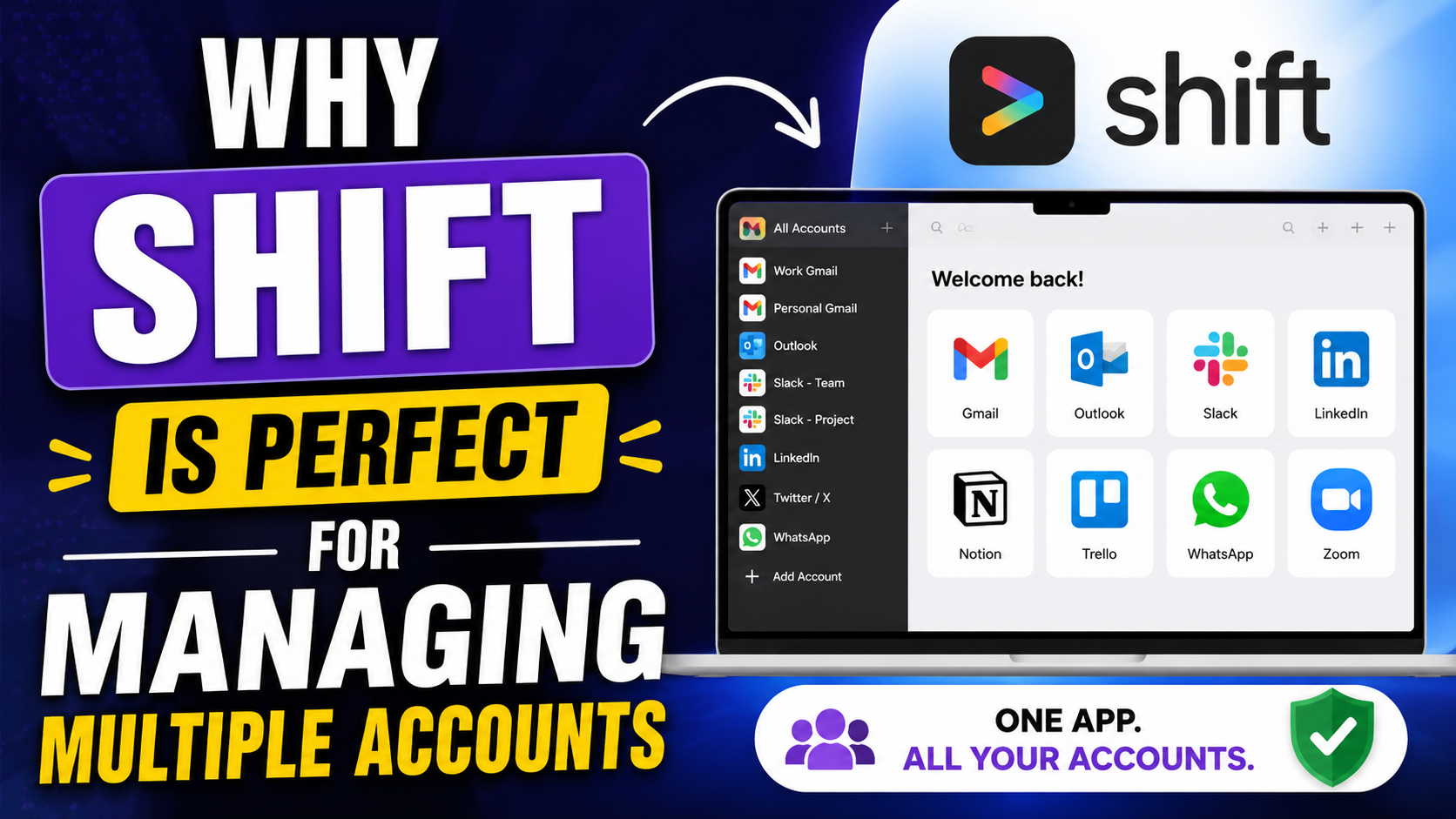
Managing multiple accounts used to feel like juggling flaming torches while riding a bicycle. One browser window for work emails, another for personal Gmail, several tabs for Slack, Trello, LinkedIn, WhatsApp, and maybe a dozen more tools scattered everywhere. The modern digital workspace is chaotic, and most people spend a surprising amount of time simply switching between accounts instead of actually getting work done.
This is exactly where Shift Browser steps in. Shift is not just another browser competing with Chrome or Firefox. It is designed specifically for people who manage multiple accounts, apps, workflows, and online identities every single day. Instead of forcing users to constantly log in and out or maintain endless tabs, Shift centralizes everything into one organized workspace.
Table of Contents
The Growing Problem of Account Overload
Why Modern Professionals Use Multiple Accounts
A decade ago, most people had one email address and maybe one social media profile. Today, the average digital worker operates several identities across platforms. You may have a work Gmail, personal Gmail, client Outlook account, LinkedIn profile, Slack workspace, Discord community, project management tools, and countless SaaS platforms demanding constant attention.
This explosion of accounts is largely driven by remote work, freelancing, creator economies, and digital entrepreneurship. A marketer may manage five Instagram accounts for clients. A freelancer could operate separate Google accounts for different businesses. Students frequently balance university systems alongside personal productivity tools. The internet has evolved into a multi-account ecosystem.
The problem is that traditional browsers were never truly optimized for this lifestyle. Yes, Chrome profiles exist, and Firefox has containers, but they still feel fragmented and awkward for heavy multitasking. Switching profiles often means opening separate windows, dealing with duplicated tabs, or losing track of sessions entirely.
Mozilla itself recently emphasized the growing need for separated browsing environments with Firefox profiles designed to reduce “cognitive load” and prevent account confusion. That shows just how widespread this challenge has become across the internet.
The reality is simple: modern workflows demand better account organization. People are no longer managing one online identity. They are managing entire ecosystems of identities.
The Productivity Cost of Constant Switching
Context switching silently destroys productivity. Many users underestimate how much energy is wasted bouncing between tabs, accounts, and browser windows. Every small interruption forces your brain to refocus, almost like restarting an engine repeatedly during a long journey.
Researchers often describe this as “attention residue.” When you move rapidly from one task to another, part of your focus remains stuck on the previous activity. Over time, mental fatigue builds up, and even simple work begins to feel exhausting.
Reddit users discussing Shift frequently mention this exact issue. One user explained that their mental exhaustion came not only from the work itself but from constantly navigating between apps, emails, and tabs throughout the day.
Traditional browsers unintentionally encourage this chaos. You open one tab, then another, then another, until your screen resembles a digital junk drawer. Suddenly you have 47 tabs open, duplicate documents, mixed work and personal accounts, and notifications attacking you from every direction.
Shift tackles this problem differently. Instead of acting like a generic browser, it behaves more like a centralized operating system for your online work. The result is less confusion, fewer distractions, and faster task management.
What Is Shift Browser?
A Unified Workspace for Apps and Emails
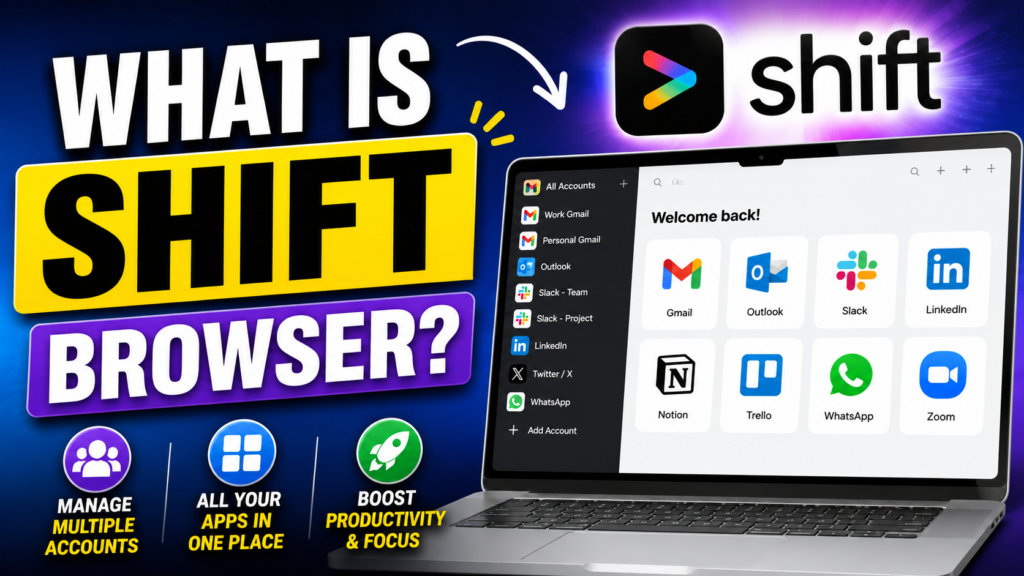
Shift Browser is best described as a productivity-focused browser built specifically for account management and workflow organization. Rather than treating apps like separate websites, Shift integrates them directly into its interface so users can access everything from one place.
The browser supports Gmail, Outlook, Slack, Notion, Trello, WhatsApp, Zoom, LinkedIn, and thousands of additional web apps. Users can add multiple accounts for the same application, which means you can run several Gmail or Slack accounts simultaneously without constant re-login frustration.
One of Shift’s strongest features is its “Spaces” system. Spaces act like dedicated environments for different aspects of your life or work. You might create one Space for freelance clients, another for your personal setup, and another for agency work. Each Space can contain unique apps, tabs, bookmarks, and workflows.
This approach feels dramatically cleaner than traditional browser profile systems because everything remains accessible from one organized interface instead of scattered across separate windows.
Key Features That Make Shift Different
Shift separates itself from regular browsers through a combination of workflow-focused features that prioritize organization and efficiency. Some of the standout capabilities include:
| Feature | Benefit |
| Multiple Account Support | Manage several accounts simultaneously |
| Spaces | Organize workflows by project or role |
| App Integrations | Access over 1,500 apps directly |
| Unified Search | Search across apps and emails |
| Cross-Device Sync | Sync setup across devices |
| Smart Notifications | Reduce unnecessary interruptions |
| Color Coding | Quickly identify account types |
Shift also recently introduced enhanced customization options, modular layouts, and improved multi-window capabilities.
Unlike Chrome, which primarily revolves around tabs, Shift revolves around workflows. That design philosophy changes the entire browsing experience.
How Shift Simplifies Multiple Account Management
Managing Multiple Gmail Accounts
If you have ever handled several Gmail accounts inside Chrome, you already know how messy things can become. Sometimes you accidentally send emails from the wrong account. Other times, tabs open under incorrect profiles, forcing repeated sign-ins.
Shift removes much of that friction by allowing users to add multiple instances of the same app. Each Gmail account appears separately in the sidebar, and users can assign different names and colors for easy identification.
Imagine running a freelance business with separate accounts for clients, invoices, marketing, and personal communication. Instead of opening multiple browser windows, everything sits neatly inside one interface.
This organizational structure feels surprisingly calming once you start using it regularly. Your accounts stop competing for attention because each one has a clearly defined place.
Handling Social Media and Messaging Apps
Social media managers often suffer the worst account chaos online. Logging in and out of Instagram, Facebook, LinkedIn, X, and TikTok accounts repeatedly wastes enormous amounts of time.
Shift simplifies this process by allowing multiple social accounts to remain active simultaneously. Messaging platforms like Slack, Discord, and WhatsApp can also coexist without conflicts.
This matters because modern professionals rarely operate inside a single communication channel anymore. Conversations happen everywhere. Shift consolidates those channels into a single manageable workspace.
The browser even includes app shortcuts and smart linking systems that help users navigate faster between tools.
Keeping Personal and Work Profiles Separate
One underrated advantage of Shift is psychological separation. Mixing work and personal activities inside the same browser often creates stress because boundaries disappear.
With Spaces, users can build clean divisions between different parts of life. Work-related apps stay inside one environment while personal browsing remains elsewhere.
This separation reduces accidental mistakes too. Nobody wants personal YouTube recommendations appearing during a business presentation or private tabs mixing with professional workflows.
Shift essentially creates digital rooms for different responsibilities, making multitasking feel less chaotic.
Top Features That Make Shift Stand Out
Spaces and Workspaces
Spaces are arguably the heart of Shift’s productivity system. Think of them like customized digital offices tailored for different purposes.
Each Space can contain:
- Dedicated apps
- Unique bookmarks
- Specific tabs
- Personalized layouts
- Separate workflows
For example, a digital marketing agency might create:
- Client Management Space
- Content Creation Space
- Social Media Space
- Internal Team Space
This structure dramatically improves focus because only relevant tools remain visible inside each environment.
App Integrations
Shift’s support for over 1,500 integrations is one of its biggest strengths.
Instead of treating productivity apps like random websites, Shift integrates them directly into the browser’s interface. Popular integrations include:
- Gmail
- Slack
- Trello
- Notion
- Zoom
- Asana
- HubSpot
This reduces dependency on endless browser tabs and separate desktop applications.
Smart Notifications
Notifications can either help productivity or completely destroy it. Shift allows users to control app notifications more intelligently so they are not constantly interrupted.
The ability to manage alerts across multiple accounts from one centralized interface saves mental energy throughout the day.
Account Color Coding
It sounds simple, but color coding genuinely improves workflow speed. Shift allows users to assign colors to accounts and apps, making navigation much faster visually.
Your brain processes colors instantly. Instead of reading tiny labels repeatedly, you begin recognizing workflows automatically.
Shift vs Traditional Browsers
Shift vs Google Chrome
Chrome dominates the browser market because it is fast, familiar, and highly compatible. But Chrome was designed primarily as a general-purpose browser, not a workflow management platform.
Shift offers:
- Better multi-account management
- Integrated app systems
- Workflow-based organization
- Dedicated Spaces
- Simplified productivity layouts
Chrome still performs exceptionally well for casual users, but heavy multitaskers often outgrow it.
Shift vs Microsoft Edge
Microsoft Edge has improved significantly in recent years with vertical tabs and workspace tools. Still, its multi-account experience remains less integrated compared to Shift.
Shift focuses entirely on account management and productivity workflows rather than being a traditional browser with extra features added later.
Shift vs Firefox
Firefox has recently expanded its profile and privacy capabilities. However, Shift remains more workflow-oriented with stronger integration systems for apps and email management.
Firefox prioritizes openness and privacy. Shift prioritizes organization and workflow efficiency.
Productivity Benefits of Using Shift
Reduced Cognitive Load
One of the most interesting benefits users report is reduced mental fatigue. That may sound exaggerated until you experience the difference personally.
When workflows become organized visually, your brain spends less energy searching for information. Tabs stop piling up endlessly. Notifications become manageable. Accounts remain separated logically.
Several online discussions around Shift repeatedly mention reduced “cognitive load” and improved mental clarity.
Productivity is not just about speed. It is also about preserving mental energy throughout the day.
Faster Workflow Management
Shift minimizes repetitive actions:
- Less logging in and out
- Fewer duplicate tabs
- Faster app switching
- Cleaner navigation
- Better organization
Those tiny time savings accumulate quickly across weeks and months.
Professionals handling dozens of accounts daily often discover that Shift eliminates hundreds of unnecessary clicks every single day.
Security and Privacy Features
Secure Login Management
Managing multiple accounts manually increases the likelihood of security mistakes. Users accidentally log into incorrect profiles or mix sensitive information between accounts.
Shift helps maintain separation between workflows, reducing confusion and improving organizational security.
The platform also supports secure syncing and dedicated account structures.
Incognito and Privacy Controls
Shift includes private browsing, extension controls, and customizable privacy settings. Recent updates added more advanced extension permissions and incognito management options.
The company has also emphasized optional AI tools with privacy-focused routing systems designed to separate identity from browsing requests.
For professionals handling client data or sensitive workflows, these controls matter significantly.
Who Should Use Shift?
Freelancers and Remote Workers
Freelancers frequently manage multiple clients, invoices, communication channels, and project tools simultaneously. Shift simplifies this complexity beautifully.
Remote workers also benefit from clearer boundaries between work and personal life.
Latest Post:




Marketing Teams and Agencies
Marketing agencies often manage:
- Multiple social profiles
- Client dashboards
- Analytics platforms
- Communication tools
- Advertising accounts
Shift consolidates all of those environments into one organized system.
Students and Entrepreneurs
Students balancing coursework, internships, side projects, and personal life can use Shift to stay organized without drowning in tabs.
Entrepreneurs managing startups often juggle multiple business identities daily, making Shift especially valuable.
Pricing and Plans
Shift currently offers Free, Advanced, and Teams plans. According to Shift’s latest feature comparison:
- The Free plan includes core browsing functionality
- Advanced unlocks unlimited Spaces and apps
- Teams adds administrative and billing controls
The pricing structure makes Shift accessible for both individuals and organizations.
For heavy multitaskers, the productivity improvements can easily justify the cost.
Read More:-
ZoomInfo: The Complete B2B Lead Generation Tool for Marketers
How Xero Simplifies Accounting for Digital Marketing Businesses
How Similarweb Helps Marketing Agencies Analyze Competitors
Workable: The Best Recruitment Software for Marketing Agencies
Unbounce: The Best Landing Page Builder for Marketing Agencies
Conclusion
The internet has evolved into a world where people constantly manage multiple identities, workflows, and communication channels. Traditional browsers struggle to handle this complexity efficiently because they were never truly designed for modern digital multitasking.
Shift Browser solves this problem by transforming the browser into a centralized productivity workspace. Instead of juggling endless tabs and accounts, users gain organized Spaces, app integrations, workflow separation, and cleaner navigation systems that dramatically reduce digital chaos.
The real value of Shift is not just convenience. It is clarity. It helps users regain focus in an online world designed to fragment attention constantly.
Whether you are a freelancer, marketer, entrepreneur, student, or remote worker, Shift offers a smarter way to manage your online life without feeling overwhelmed every time you open your browser.
FAQs
Q. Is Shift Browser free to use?
A. Yes, Shift offers a free version with core functionality. Advanced features like unlimited Spaces and expanded app integrations are available through paid plans.
Q. Can Shift handle multiple Gmail accounts?
A. Absolutely. Shift allows users to add multiple Gmail accounts simultaneously and organize them using labels, colors, and Spaces.
Q. Does Shift work on Windows and Mac?
A. Yes, Shift supports both Windows and macOS systems with synchronization across devices.
Q. Is Shift better than Chrome for productivity?
A. For users managing multiple accounts and workflows, Shift often provides better organization and efficiency than Chrome due to its integrated productivity features.
Q. Is Shift secure for work accounts?
A. Shift includes privacy controls, account separation systems, secure syncing, and incognito functionality designed to improve workflow security.