
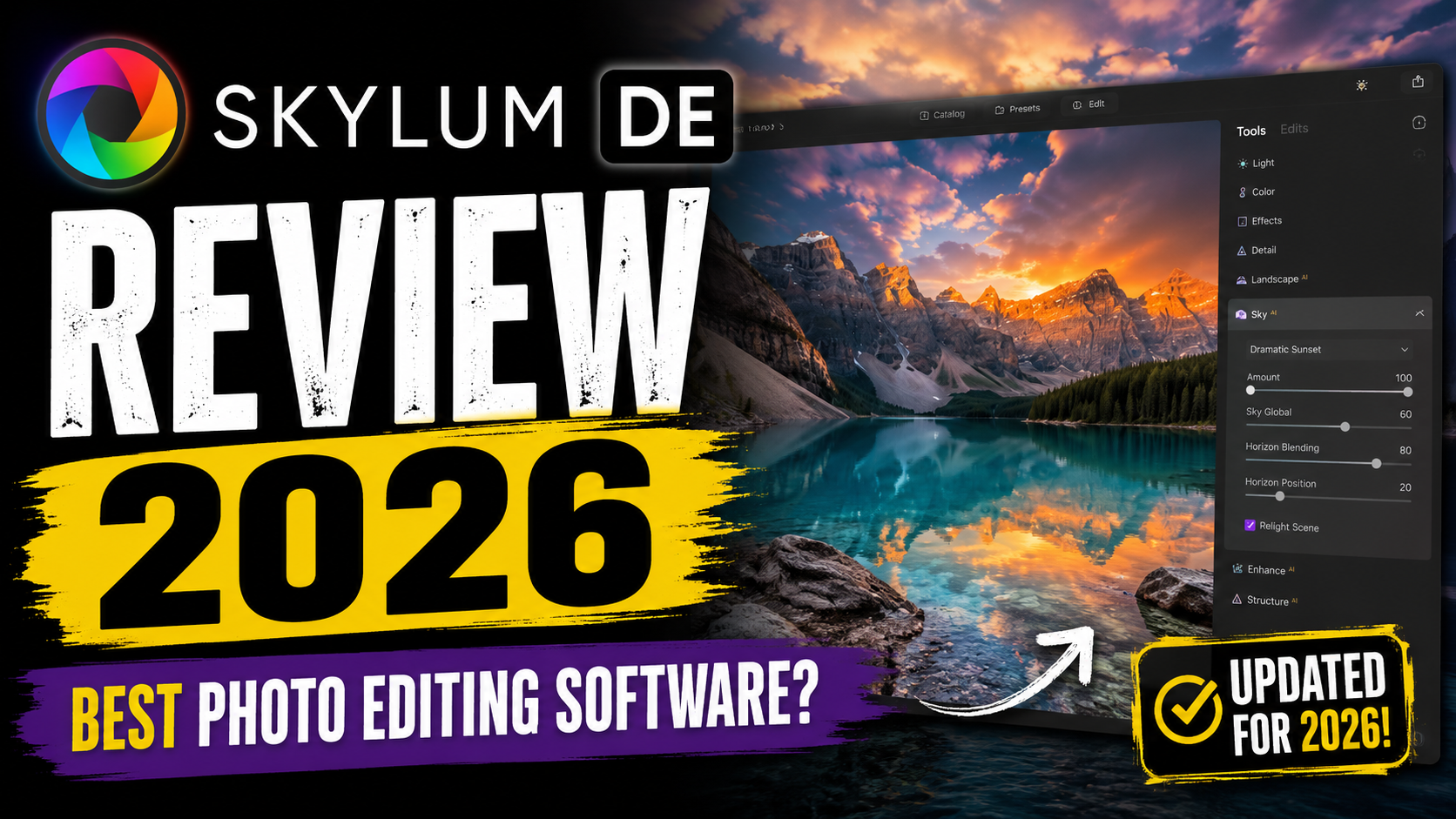
Photography has changed dramatically in the last few years. What once required hours inside complicated editing programs can now be done in minutes using AI-powered tools. That is exactly where Skylum DE and its flagship editor, Luminar Neo, have made a huge impact. From one-click sky replacements to AI portrait retouching and generative editing tools, Skylum has positioned itself as a serious competitor to Adobe Lightroom and Photoshop.
But here is the real question photographers are asking in 2026: Is Skylum DE actually the best photo editing software, or is it just another flashy AI tool with clever marketing?
This detailed review explores everything you need to know about Skylum DE in 2026 — including features, pricing, performance, AI tools, pros, cons, user experience, and whether it is worth your money today.
Table of Contents
- What Is Skylum DE?
- The Company Behind Luminar Neo
- Why Skylum Became Popular
- Luminar Neo Overview in 2026
- Core Features
- AI Editing Capabilities
- Installation and System Requirements
- User Interface and Ease of Use
- AI Tools That Stand Out
- Photo Editing Performance
- Luminar Neo Pricing in 2026
- Lifetime License vs Subscription
- Hidden Costs and Upgrade Concerns
- Comparing Skylum DE With Competitors
- Pros and Cons of Skylum DE
- Who Should Use Luminar Neo?
- Final Verdict
- FAQs
What Is Skylum DE?
Skylum DE refers to the German market presence and branding associated with Skylum’s growing photo editing ecosystem. The company itself has become one of the most recognized names in AI-powered photography software, mainly because of Luminar Neo. Unlike traditional editing platforms that demand technical expertise, Skylum focuses heavily on automation and creative simplicity.
Imagine editing photos like driving a modern electric car instead of manually tuning an old engine. That is essentially the experience Skylum tries to deliver. You are not buried under endless menus and technical sliders. Instead, AI handles much of the complexity for you. Whether you want to remove unwanted objects, enhance skies, improve portraits, or create cinematic effects, Luminar Neo promises fast results with minimal effort.
The rise of social media content creation, YouTube photography channels, and AI-powered workflows has pushed more photographers toward simpler editing solutions. Many users are tired of monthly subscriptions and bloated software ecosystems. Skylum recognized this gap and positioned Luminar Neo as a faster, more approachable alternative to Adobe’s traditional editing suite.
Another reason people are paying attention in 2026 is the rapid evolution of generative AI inside photo editing. Features like GenExpand and GenSwap are now competing directly with Photoshop’s AI tools. This means users no longer see Luminar Neo as just a beginner tool. It is slowly becoming a genuine creative powerhouse for enthusiasts and semi-professionals alike.
The Company Behind Luminar Neo
Skylum is a software company known for building AI-driven creative tools for photographers. The company gained momentum through earlier products like Luminar AI and Aurora HDR before eventually consolidating its ecosystem into Luminar Neo.
What makes Skylum different from older editing companies is its obsession with automation. Traditional editing software often assumes users want complete manual control. Skylum instead assumes users want speed, simplicity, and impressive visual results without spending hours learning advanced editing techniques.
That philosophy has helped the company grow globally. Today, millions of users rely on Luminar products for portrait photography, travel editing, landscape enhancement, and social media content creation. Skylum also markets heavily toward creators who want professional-looking results without becoming full-time photo editors.
The company has continued expanding its AI technology throughout 2025 and 2026. Recent updates added more advanced generative editing features, improved portrait retouching, and stronger object recognition systems. According to Skylum’s latest pricing and product pages, Luminar Neo now includes expanded generative workflows alongside mobile support and creative asset libraries.
Why Skylum Became Popular
The photography world was already shifting toward AI before Skylum exploded in popularity. But Skylum arrived at exactly the right moment. Many photographers felt trapped between overly complicated professional tools and low-quality mobile editing apps. Luminar Neo landed directly in the middle.
The software became especially popular because of features like Sky AI, which can replace dull skies in seconds. Before AI editing, photographers often spent hours masking skies manually in Photoshop. Luminar Neo reduced that process to a few clicks. That alone attracted thousands of users.
Another major factor is the visual quality of AI enhancements. Many editing apps automate adjustments, but the results often look fake or overly processed. Skylum’s AI tools generally produce more natural-looking outcomes. Portrait retouching, skin enhancement, relighting, and atmospheric effects usually maintain realistic textures rather than turning subjects into plastic-looking mannequins.
Social media creators also embraced the platform because it dramatically speeds up editing workflows. Time matters today. Content creators often edit dozens or hundreds of images every week. Spending hours on manual retouching is simply unrealistic for many people. Luminar Neo helps bridge that gap between quality and speed.
Luminar Neo Overview in 2026
In 2026, Luminar Neo has evolved into a far more mature platform than earlier versions. The software now combines traditional photo editing tools with modern AI-driven workflows. Users can perform everything from RAW photo correction to complex generative edits inside a single interface.
The software supports standalone editing as well as plugin integration for Adobe Photoshop and Lightroom. This flexibility is important because many photographers do not want to abandon their existing workflows completely. Instead, they use Luminar Neo as an enhancement layer within their editing pipeline.
One thing immediately noticeable in 2026 is how heavily Skylum emphasizes generative AI. Tools like GenErase, GenExpand, and GenSwap attempt to compete directly with Adobe Firefly-based editing. These features allow users to remove distractions, extend images beyond original borders, and replace objects using AI-generated content.
The software also continues to focus heavily on atmospheric effects. Features like fog generation, sun rays, cinematic glow, and sky replacement remain core strengths of Luminar Neo. Landscape photographers particularly enjoy these tools because they can dramatically transform ordinary photos into visually striking images with very little effort.
Core Features
Luminar Neo includes a broad range of editing tools aimed at both beginners and advanced creators. Some of the most popular features include:
| Feature | Purpose |
| Sky AI | Replace skies automatically |
| GenErase | Remove unwanted objects |
| GenExpand | Extend photo boundaries |
| Face AI | Retouch portraits |
| Relight AI | Adjust lighting depth |
| Layers Support | Advanced compositing |
| RAW Editing | Professional photo processing |
| Presets | One-click creative looks |
What makes these tools attractive is how accessible they feel. You do not need advanced masking knowledge or deep Photoshop experience. The AI handles much of the technical work behind the scenes.
Another advantage is the software’s balance between automation and manual control. While beginners can rely on one-click edits, advanced users can still fine-tune details using sliders, masks, and layered adjustments.
AI Editing Capabilities
AI is not just a marketing buzzword in Luminar Neo anymore. It is the foundation of the entire editing experience. The software analyzes photos intelligently and suggests edits based on scene recognition, lighting conditions, facial details, and composition.
One of the standout AI features in 2026 is GenExpand. This tool lets users extend photos beyond their original dimensions using generative AI. It feels almost magical the first time you use it. Imagine shooting a landscape photo slightly too tight and then expanding the edges naturally without awkward cropping.
GenErase is another crowd favorite. Removing distracting tourists, wires, or background clutter is incredibly fast compared to traditional clone-stamp editing. AI fills the removed area intelligently, often with surprisingly realistic results.
Portrait photographers also benefit from Face AI and Skin AI. These tools smooth skin subtly while preserving texture, avoiding the plastic look that ruins many portrait edits.
Still, AI editing is not flawless. Some users report occasional artifacts or strange AI-generated textures in complex scenes. That said, the technology has improved dramatically since earlier Luminar releases.
Installation and System Requirements
Luminar Neo runs on both Windows and macOS systems, but performance depends heavily on your hardware. Skylum recommends at least 8GB RAM, though 16GB is strongly preferred for smoother AI processing. The software also benefits significantly from SSD storage and modern GPUs.
According to Skylum’s latest requirements, Windows users need Windows 10 version 1909 or later, while Mac users need macOS 12 or newer.
Installation itself is fairly straightforward. Downloading and activating the software takes only a few minutes. The interface guides users through setup clearly, making the onboarding process simple even for beginners.
However, compatibility issues still occasionally appear after major updates. Some users reported plugin launch errors and licensing issues following recent updates in 2026.
User Interface and Ease of Use
One of Luminar Neo’s greatest strengths is its interface. Compared to Photoshop, the layout feels dramatically cleaner and less intimidating. Instead of overwhelming users with hundreds of tiny icons and technical panels, Skylum organizes tools logically around creative workflows.
The editing panels are visually intuitive. AI tools are clearly labeled, presets are easy to preview, and adjustments respond smoothly on capable hardware. Beginners can jump into editing without watching hours of tutorials.
This simplicity does not mean the software lacks power. Advanced tools still exist beneath the surface. Layers, masking, blending modes, and detailed color controls are all available for users who want deeper customization.
The workflow improvements in recent versions are especially noticeable. Batch processing is faster, catalog management feels smoother, and preview rendering has improved compared to earlier releases. While not perfect, Luminar Neo now feels far more polished than it did a few years ago.
AI Tools That Stand Out
The AI tools are unquestionably the biggest reason photographers consider Luminar Neo in 2026. These features are not gimmicks anymore. They genuinely save time.
GenErase and GenExpand
GenErase works almost like digital magic. Removing unwanted elements from a scene no longer feels like surgery. Instead of painstakingly cloning pixels, users simply brush over distractions and let AI handle reconstruction.
GenExpand feels equally futuristic. It can intelligently create missing edges around photos, helping photographers adjust compositions for social media formats, banners, or prints.
That said, these tools sometimes require multiple attempts for perfect results. Complex textures like hair, reflections, or crowded scenes can occasionally confuse the AI.
Sky Replacement AI
Sky AI remains one of the best features inside Luminar Neo. Even years after its introduction, it still impresses users with realistic lighting adaptation and reflection matching.
The software automatically adjusts foreground lighting to match the new sky, helping edits appear believable instead of pasted together. For landscape photographers, this feature alone can dramatically enhance dull weather shots.
Portrait and Face AI
Portrait retouching tools inside Luminar Neo are surprisingly effective. Face AI improves facial lighting and contours naturally, while Skin AI reduces blemishes without destroying texture.
Wedding photographers, influencers, and portrait creators especially appreciate how quickly these tools produce polished results.
Photo Editing Performance
Performance has improved significantly in recent Luminar Neo updates, but it still depends heavily on system hardware. On powerful machines, AI edits feel fast and responsive. On older systems, rendering can become sluggish during complex operations.
Plugin integration with Photoshop and Lightroom remains valuable for hybrid workflows. Many photographers use Luminar Neo as a creative enhancement tool rather than a complete replacement for Adobe products.
However, plugin stability issues still occasionally appear. Some Reddit users and community discussions mention launch errors and compatibility problems with newer hardware configurations.
Even with those occasional hiccups, overall performance is noticeably better than earlier Luminar generations. The software feels more optimized and capable of handling larger photo libraries.
Luminar Neo Pricing in 2026
Pricing is one of the most debated aspects of Skylum products. Unlike Adobe’s monthly subscription model, Luminar Neo offers perpetual licenses alongside optional upgrades.
According to current pricing data, plans include:
| Plan | Price |
| Desktop Perpetual License | $119 |
| Cross-Device License | $159 |
| Max License | $179 |
The appeal here is obvious. Many photographers prefer paying once instead of committing to endless subscriptions. But there is an important catch.
Lifetime License vs Subscription
Skylum markets perpetual licenses aggressively, but some AI and generative features only remain active for a limited time unless users purchase upgrade passes or subscriptions.
Community discussions in 2026 reveal growing confusion around generative tool access expiration. Some users discovered that features like GenErase and GenExpand disappeared after their included access period ended.
This has created criticism among photographers who believed “lifetime” meant permanent access to all AI functionality. In reality, perpetual licenses typically cover the software version itself, while newer AI services may require additional payments later.
This pricing structure is probably the biggest weakness in Skylum’s ecosystem right now.
Hidden Costs and Upgrade Concerns
Some users feel frustrated by the layered pricing model. Extensions, creative assets, upgrade passes, and generative features can increase long-term costs substantially.
Critics argue that Adobe’s subscription model is at least transparent. Meanwhile, some Luminar Neo users feel surprised when advanced AI tools become unavailable later unless renewed.
At the same time, many photographers still prefer Skylum’s pricing because they can avoid mandatory monthly payments entirely if they only need the core editing tools.
Whether this pricing system feels fair largely depends on your expectations and workflow.
Latest Post:




Comparing Skylum DE With Competitors
The photo editing market is extremely competitive in 2026. Luminar Neo competes against Adobe Lightroom, Photoshop, ON1 Photo RAW, Capture One, and Affinity Photo.
Luminar Neo vs Adobe Lightroom
Lightroom still dominates professional photography workflows because of its catalog management, RAW processing reliability, and ecosystem integration.
But Luminar Neo wins in simplicity and AI creativity. Editing in Luminar feels faster and more playful, while Lightroom often feels technical and workflow-heavy.
Photographers who value efficiency and visual experimentation may prefer Luminar Neo. Professionals needing enterprise-grade reliability may still lean toward Adobe.
Luminar Neo vs ON1 Photo RAW
ON1 Photo RAW targets a similar audience: photographers seeking Adobe alternatives without subscriptions.
Compared to ON1, Luminar Neo generally offers stronger AI creativity tools and a more beginner-friendly interface. ON1, however, includes more advanced organizational and technical editing capabilities.
Community reviewers note that both platforms have experienced stability complaints, though Luminar’s AI features remain a major differentiator.
Pros and Cons of Skylum DE
| Pros | Cons |
| Excellent AI editing tools | Pricing structure can feel confusing |
| Beginner-friendly interface | Some AI tools require renewals |
| Powerful sky replacement | Occasional stability issues |
| Fast creative workflows | Heavy hardware requirements |
| Supports plugins | Advanced professionals may want deeper controls |
Who Should Use Luminar Neo?

Luminar Neo is ideal for photographers who prioritize speed, creativity, and simplicity. Travel photographers, portrait creators, influencers, YouTubers, bloggers, and hobbyists will likely enjoy the experience the most.
It is especially valuable for people who dislike spending hours inside complex editing software. The AI tools dramatically reduce repetitive editing work.
Professional studio photographers may still prefer Photoshop and Lightroom for advanced commercial workflows. But even many professionals now use Luminar Neo alongside Adobe products because it speeds up creative enhancements significantly.
Think of Luminar Neo as a creative accelerator rather than just another editing program. It helps users achieve visually striking results faster than traditional workflows.
Read More:-
ZoomInfo: The Complete B2B Lead Generation Tool for Marketers
How Xero Simplifies Accounting for Digital Marketing Businesses
How Similarweb Helps Marketing Agencies Analyze Competitors
Workable: The Best Recruitment Software for Marketing Agencies
Unbounce: The Best Landing Page Builder for Marketing Agencies
Final Verdict
So, is Skylum DE and Luminar Neo the best photo editing software in 2026?
The answer depends on what you value most.
If you want deep technical precision, enterprise reliability, and industry-standard workflows, Adobe still leads the market. But if you want fast AI-powered creativity, beginner-friendly editing, and visually impressive tools without a mandatory subscription, Luminar Neo becomes incredibly attractive.
The software’s AI capabilities are genuinely impressive. Features like GenErase, Sky AI, and Face AI save enormous amounts of time while producing high-quality results. The interface is approachable, the editing process feels enjoyable, and the creative possibilities are huge.
Still, the pricing structure remains confusing. Some users dislike the way generative tools and upgrades are handled after initial purchase periods. Stability issues also occasionally surface after major updates.
Despite those flaws, Luminar Neo remains one of the most exciting photo editing platforms available today. For many creators in 2026, it delivers the perfect balance between automation, creativity, and ease of use.
FAQs
Q. Is Luminar Neo better than Photoshop?
A. Luminar Neo is easier to use and faster for AI-powered edits, but Photoshop still offers deeper professional-level control and advanced compositing features.
Q. Does Luminar Neo require a subscription in 2026?
A. No, perpetual licenses are available. However, some AI and generative tools may require additional upgrades or subscriptions after the included access period expires.
Q. Can beginners use Luminar Neo easily?
A. Yes. Luminar Neo is specifically designed to be beginner-friendly with intuitive controls and AI-powered automation.
Q. Does Luminar Neo work as a Lightroom plugin?
A. Yes. Luminar Neo supports plugin integration with both Adobe Lightroom and Photoshop workflows.
Q. Is Luminar Neo worth buying in 2026?
A. For photographers seeking fast AI editing and creative tools without committing fully to Adobe subscriptions, Luminar Neo is definitely worth considering.