
Running a small business is exciting, but managing finances? Not so much. That’s where Xero comes in — a cloud-based accounting software built to make bookkeeping easier, faster, and smarter. In this 2025 Xero review, we’ll explore its latest features, pricing, and performance to find out if it’s truly the best accounting solution for small businesses today.
Table of Contents
- Xero at a Glance
- Key Features of Xero
- User Experience and Interface
- Xero’s Pricing Plans in 2025
- Pros and Cons of Xero
- How Xero Compares to Competitors
- Security and Data Protection
- Customer Support and Resources
- Who Should Use Xero?
- Xero 2025 Updates and New Features
- Expert Opinions and User Reviews
- Final Verdict
- Conclusion
- Frequently Asked Questions
Xero at a Glance
Xero is a New Zealand-based cloud accounting software that caters primarily to small and medium-sized businesses. Launched in 2006, it has evolved into one of the most trusted accounting tools globally.
- Users: Over 4 million active users worldwide
- Best for: Freelancers, startups, and small businesses
- Available on: Web, iOS, and Android
- Core strength: Seamless automation and collaboration
Its intuitive dashboard and AI-powered tools make it an excellent option for entrepreneurs who don’t have an accounting background.
Key Features of Xero
Invoicing and Billing
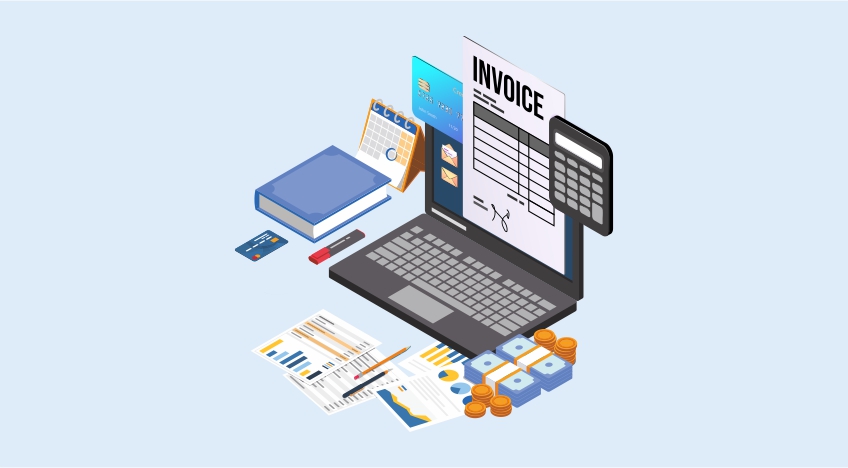
Xero’s invoicing system lets you create, send, and track invoices in just a few clicks. You can set automatic reminders, customize templates, and even accept online payments directly. Plus, you get notifications when clients view or pay your invoice.
Bank Reconciliation
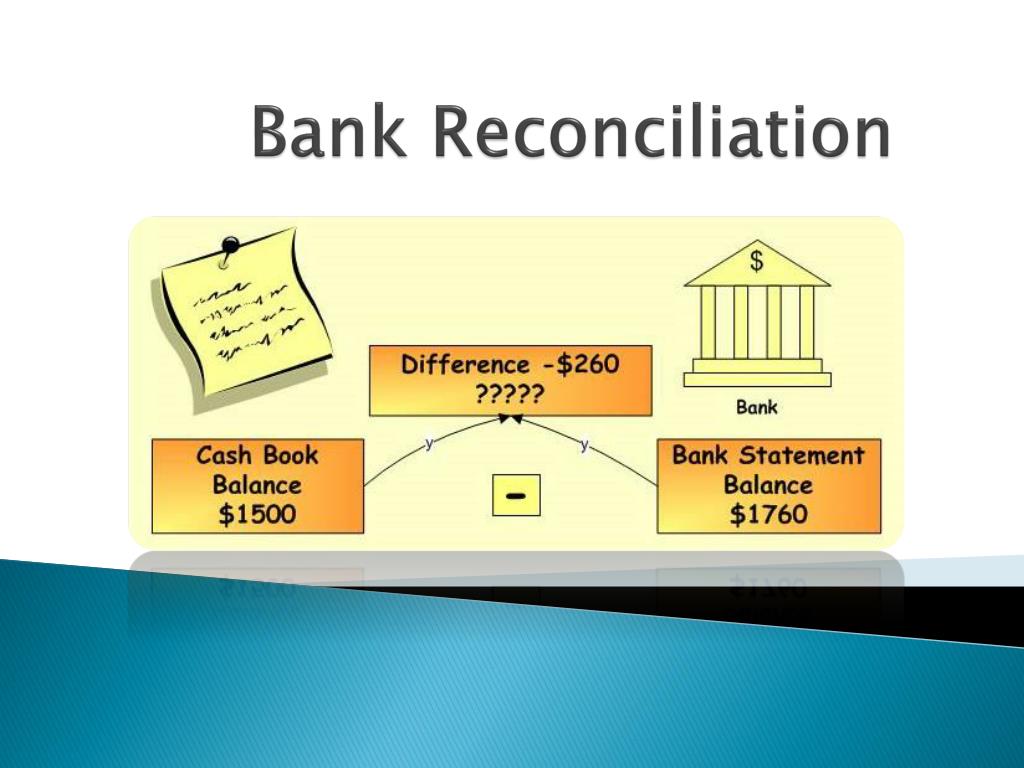
Bank reconciliation used to be tedious — not anymore. Xero automatically matches your transactions with bank feeds, saving hours of manual work. It even learns from your habits, suggesting matches based on past activity.
Expense Tracking

Snap receipts, track mileage, and manage reimbursements easily. Xero’s expense management feature is mobile-friendly, making it perfect for businesses on the move.
Payroll Management

Payroll in Xero is comprehensive. You can process employee payments, handle tax filings, and stay compliant with government regulations. In 2025, Xero also introduced AI payroll error detection, which flags potential mistakes before you submit.
Reporting and Analytics
Xero’s advanced reporting tools allow you to generate profit and loss statements, balance sheets, and cash flow reports instantly. You can also create customized reports to suit your business needs.
Inventory Management
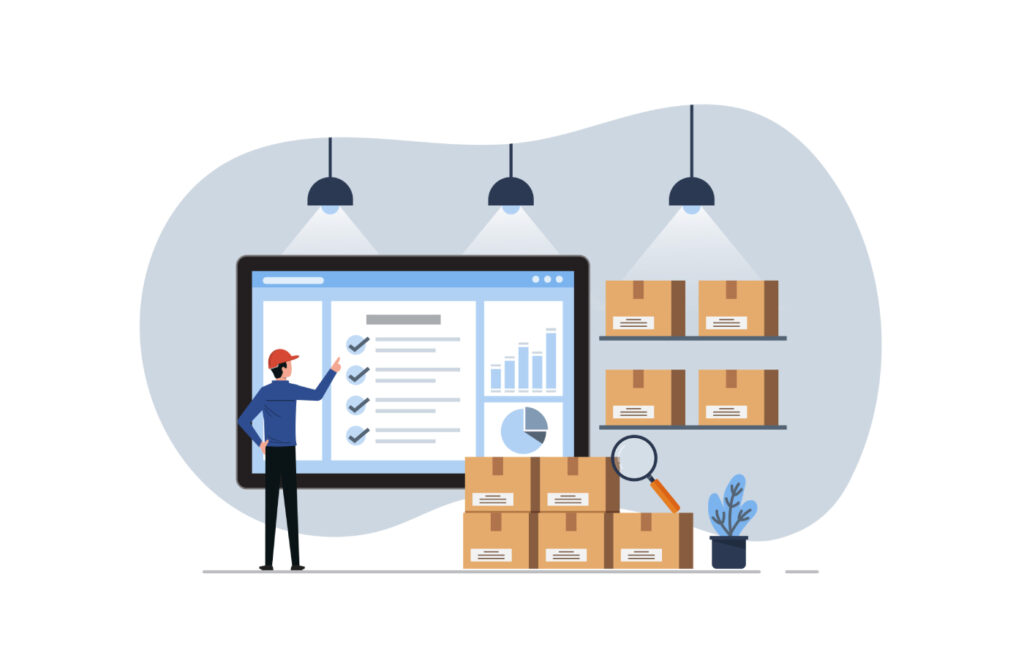
For businesses dealing with stock, Xero tracks inventory in real time. You’ll know what’s selling, what’s low, and when to reorder — helping maintain a healthy cash flow.
Integrations and Add-ons

With over 1,000+ integrations, Xero connects with apps like Shopify, Stripe, and HubSpot. Whether it’s CRM, time tracking, or payment gateways — Xero fits right in.
User Experience and Interface
Dashboard Overview
Xero’s dashboard offers a clear snapshot of your business finances — including invoices due, bills to pay, and cash flow insights. Everything is color-coded for quick understanding.
Ease of Navigation
Even if you’re new to accounting, Xero’s intuitive layout makes it easy to learn. Most features are accessible within two clicks, and tooltips help guide you along the way.
Mobile App Performance
The Xero mobile app lets you send invoices, upload receipts, and monitor bank balances from anywhere. The 2025 update improved speed, offline mode, and mobile-specific widgets.
Xero’s Pricing Plans in 2025
Starter Plan – $15/month
Perfect for freelancers or solo entrepreneurs. Includes basic invoicing, quotes, and reconciliation.
Standard Plan – $35/month
Ideal for growing businesses. Offers unlimited invoices, bills, and bulk reconciliation.
Premium Plan – $55/month
Includes advanced multi-currency support and project tracking. Best for international businesses.
Add-ons and Hidden Costs
Some add-ons, like payroll or advanced analytics, may cost extra. However, the transparent pricing structure keeps surprises minimal.
Pros and Cons of Xero

Pros
- Clean and modern interface
- Excellent automation features
- Real-time collaboration
- Over 1,000 app integrations
- Strong mobile app
Cons
- Limited phone support
- Learning curve for beginners
- Payroll not available in all regions
How Xero Compares to Competitors
Xero vs QuickBooks Online
QuickBooks is more popular in the U.S., but Xero offers a cleaner UI and better multi-currency handling.
Xero vs FreshBooks
FreshBooks is great for freelancers, but Xero wins on scalability and advanced reporting.
Xero vs Wave Accounting
Wave is free but limited in features. Xero provides better automation, compliance, and integrations.
Security and Data Protection
Security is a top priority for Xero. It uses bank-grade encryption (SSL), two-factor authentication (2FA), and regular backups. Data is stored on secure servers with 24/7 monitoring, ensuring your financial information remains safe.
Customer Support and Resources
Xero’s support team is available 24/7 via email and live chat. While phone support is limited, its Xero Central knowledge base and community forums are packed with guides, tutorials, and user tips.
Who Should Use Xero?
Xero is ideal for:
- Freelancers and consultants
- Small retail businesses
- Service-based startups
- Nonprofits and local agencies
If you value automation and ease of use, Xero fits perfectly.
Latest post




Xero 2025 Updates and New Features
The 2025 release introduced exciting new tools:
- AI-driven insights for predicting cash flow trends
- Auto tax filing in select countries
- Improved API integration for developers
- Real-time project profitability tracking
These updates make Xero more powerful than ever for small business owners.
Expert Opinions and User Reviews
Accountants love Xero for its automation, while small business owners appreciate its simplicity. On review platforms like G2 and Trustpilot, Xero holds an average rating of 4.6/5 — a testament to its reliability and user satisfaction.
Final Verdict
So, is Xero the best accounting software for small businesses in 2025?
Absolutely — if you want a scalable, cloud-based solution that grows with you. It’s smart, modern, and built for entrepreneurs who want to focus on their business, not just their books.
Also visit:
Plan Your Adventure: Top Hiking Trails in Colorado for Weekend Getaways
The Most Scenic Top Hiking Trails in Colorado for Stunning Views
Explore Beyond Rome and Venice: Hidden Gems in Italy
Hidden Gems in Italy: Your Guide to Offbeat Adventure
Hidden Germs in Italy: Unique and Undiscovered Places
The Best Beaches in Florida for Nature Lovers
Conclusion
Xero has evolved into a powerhouse of small business accounting. With its intuitive interface, strong automation, and constant innovation, it stands tall among competitors. Whether you’re a freelancer or managing a small team, Xero gives you everything you need to stay financially organized and future-ready.